M12927CA
LIMITED ACCESS LEVEL
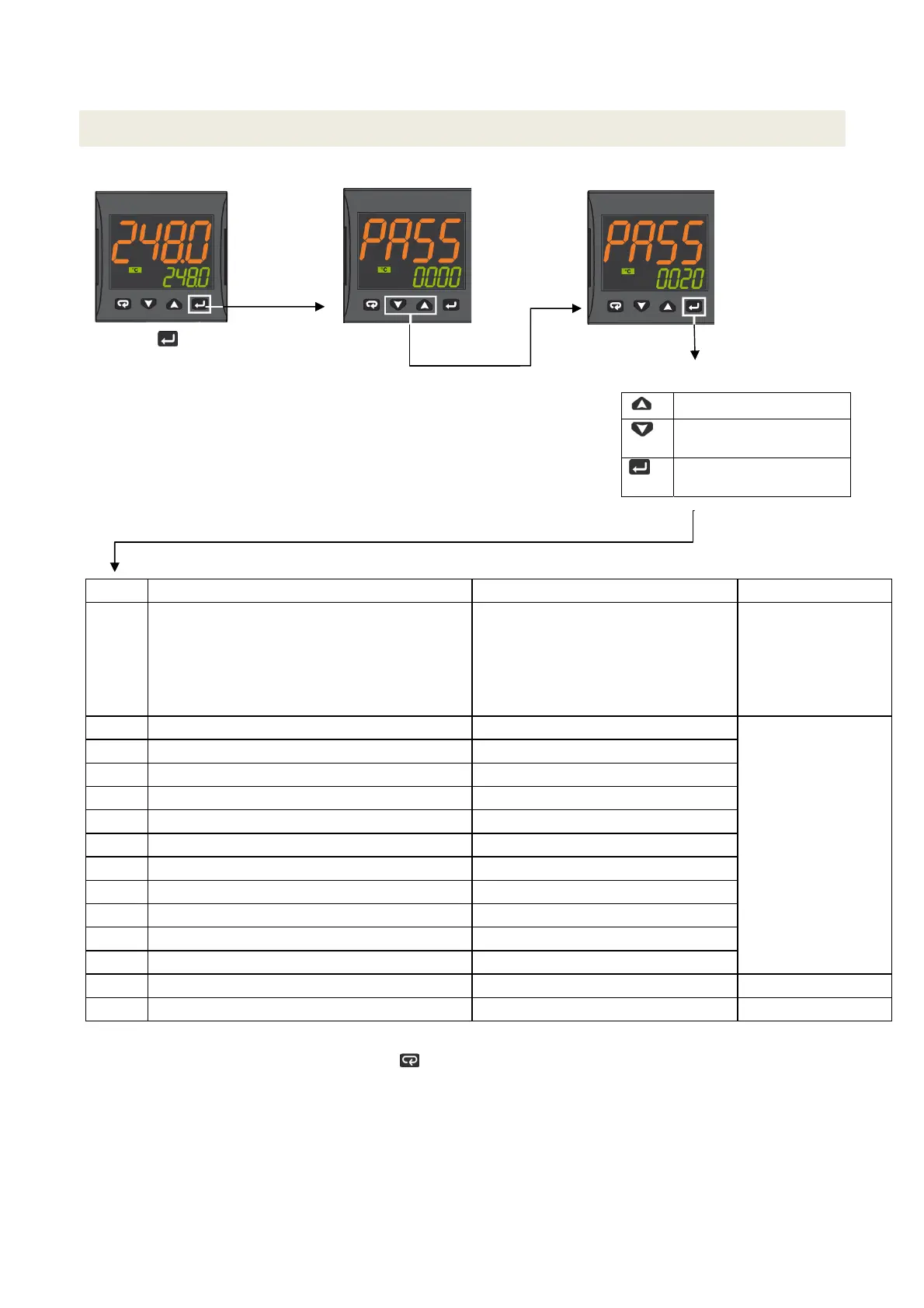
Proceed as follows to change some parameters that are not visible in standard user mode:
Press the key for
3 seconds
Password = 20
Access to parameter:
Increase the displayed value
Decrease the displayed
value
Confirm and go to next
parameter
Param Description
alues Default
SEnS Input type Pt1 = RTD Pt100
Pt10 = RTD Pt1000
0.20 = 0..20mA
4.20 = 4..20mA Pressure probe
0.10 = 0..10V
2.10 = 2..10V
crAL= Thermocouple K
Depends on the probe
SP Set point 1 SPLL ... SPLH
See page 7
AL1 AL1 threshold AL1L... AL1H (E.U.)
HAL1 AL1 hysteresis 1... 9999 (E.U.)
Pb Proportional band 1... 9999 (E.U.)
ti Integral time 0 (oFF) ... 9999 (s)
td Derivative time 0 (oFF) ... 9999 (s)
Str.t Servomotor stroke time 5...1000 seconds
db.S Servomotor dead band 0...100%
SPLL Minimum set point value -1999 ... SPHL
SPHL Maximum set point value SPLL ... 9999
dp Decimal point position 0... 3
SP 2 Set point 2 SPLL...SPLH 60
A.SP Selection of the active set point "SP" ... " nSP" SP
To exit the parameter setting procedure press the key (for 3 s) or wait until the timeout expiration (about 30 seconds)
6



 To Next Page