33 34
1. Start/Pause: After importing the NC file, clicking "Start" initiates the machining
process. The "Start" button changes to "Pause". Clicking "Pause" halts the machining
process, and the button changes to "Resume". Clicking "Resume" resumes machining.
2. Reset: During machining, clicking "Reset" stops the machining process, returning the
device to standby mode and resetting the machining progress to zero.
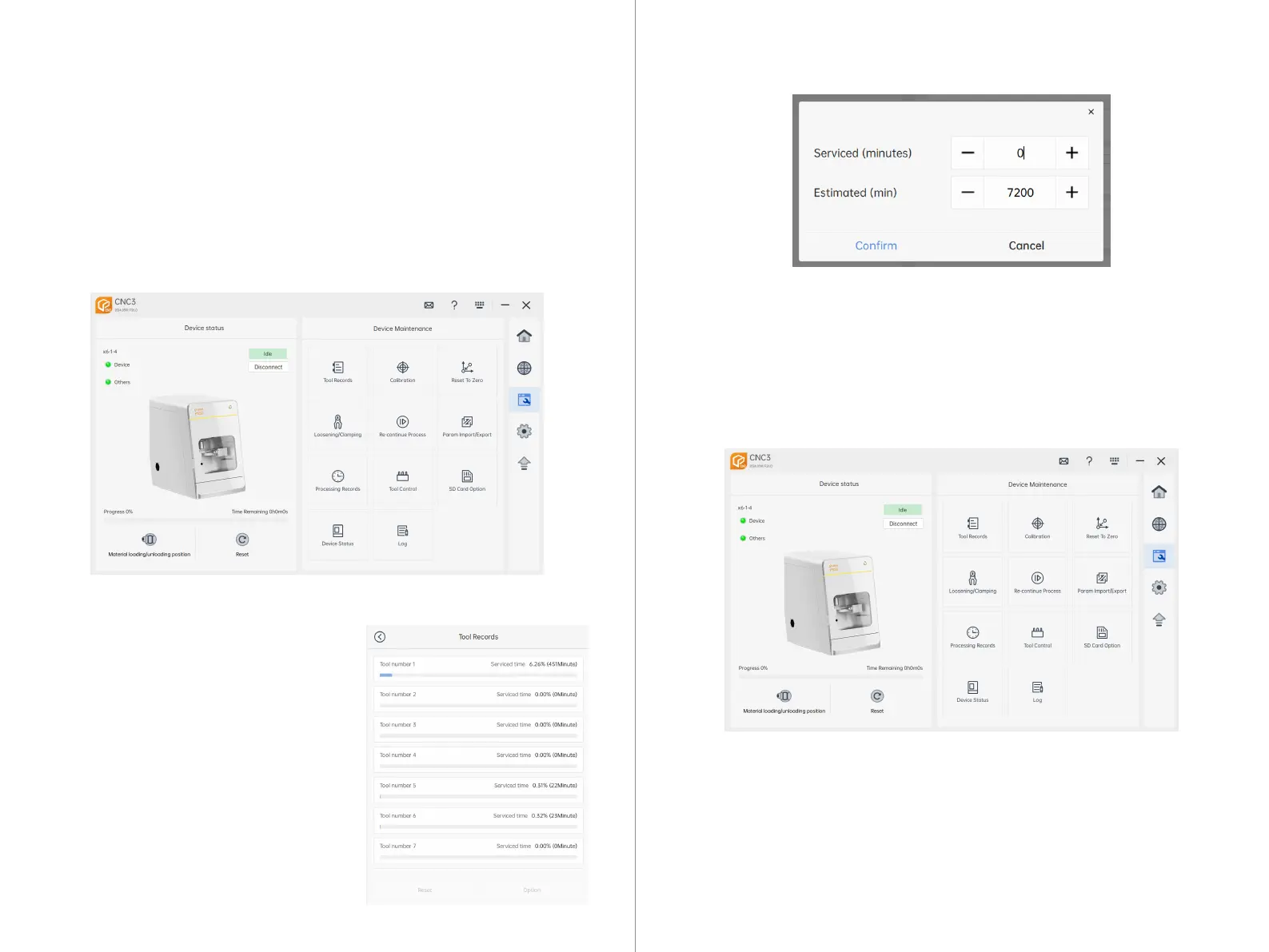
Tool Log Page: This page records and
displays the usage of each tool on the current
machining machine.
Reset: After selecting any tool, clicking on "Reset" will reset the current usage record.
Configuration: After selecting any tool, clicking on "Configuration" will take you to the
tool configuration page, where you can edit the record information.
Elapsed Time (minutes): Records the duration of needle use.
Estimated Time (minutes): The maximum duration suitable for the current tool's use.
Note:
1. The tool usage duration setting cannot exceed the estimated time.
2. When the tool usage time reaches 90% of the estimated time, CNC3 will
provide a tool life reminder, and the current tool life will turn red.
7.4 CNC3 Maintenance Interface
7.4.1 Device Maintenance Interface
7.4.2 Tool Log



 To Next Page