35 36
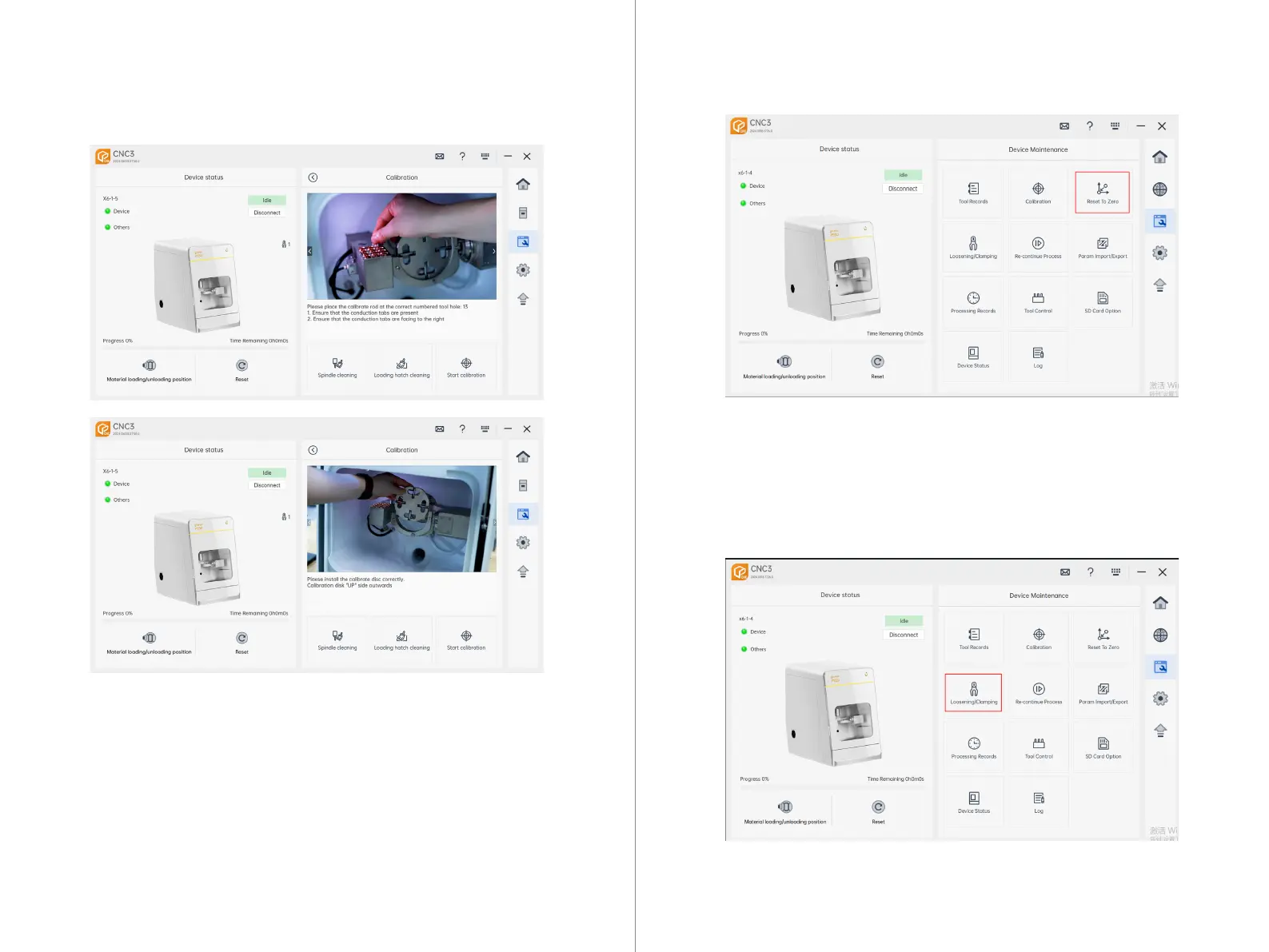
Calibration: Upon entering the calibration page, the current calibration rod tool holder
number and calibration disc material bin number will be displayed.
Spindle Cleaning: Clicking on "Spindle Cleaning" moves the current machine to
a specified position and opens the chuck.
Bottom Cleaning: Clicking on "Bottom Cleaning" moves the current machine to
a specified position.
Start Calibration: Clicking on "Start Calibration" returns CNC3 to the main inter-
face, and the machine begins the calibration process.
7.4.3 Calibration Interface:
Homing: Clicking on "Homing" moves each axis of the machine to its initial origin point.
7.4.4 Homing
Release Chuck: Open and Close the Main Spindle Chuck
7.4.5 Chuck Release



 To Next Page