User's Manual _ 17
08
4.
#
Switch off the main body and insert the memory card into the main body.
5.
#
Switch on the main body. Update starts with a voice “Update starting”.
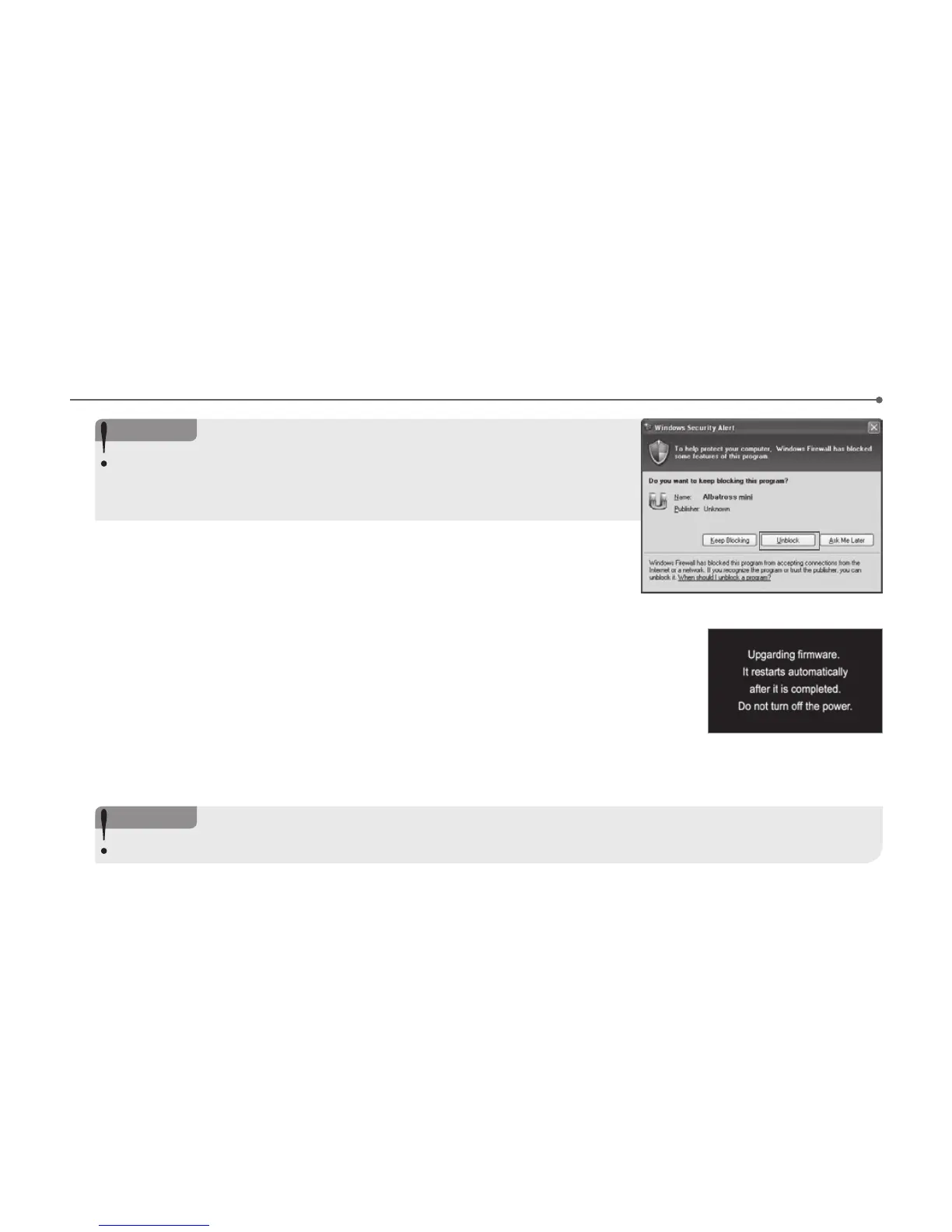
it shows firmware upgrade image as below. “Update ends with “Ring” and the
system reboots automatically.
6.
#
When the system roboots the system creates designated folders in the formatted memory
card.
<Notice>
When the Windows security message pops up, press “Unblock” button to proceed
firmware upgrade.
when users push the ‘Keep Blocking’ button, auto-update would be failed cause of
windows safety issue.
<Notice>
The system preserves the previous setting when the system is updated in Urive Albatross Mini main body.



 To Next Page