User's Manual _ 45
18
PC Viewer - File Open
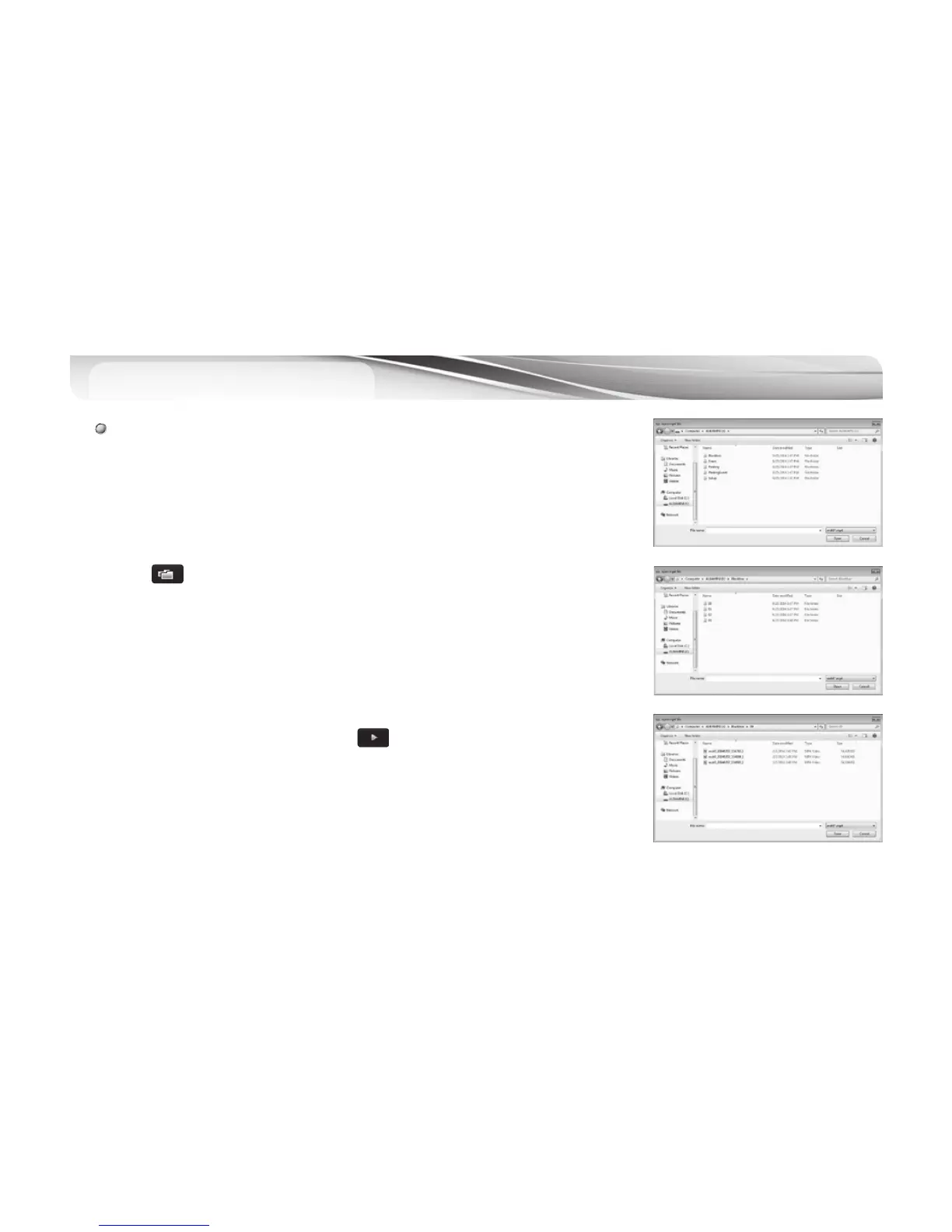
# Replaying stored video images : By opening a black box file in a specific
folder, replay starts as it enters to the file list automatically. If you want to
replay a specific file, press replay button after selecting the file you wish to
reply in a file list.
1.
#
Connect the MicroSD memory card with MicroSD card reader to the PC.
2.
#
Press button on the main viewer window.
3.
#
Select the drive for the SD card.
4.
#
Choose file(s) to play. You can choose multiple files with “Ctrl” or “Shift” key.
4.1 Blackbox Folder: Files for Driving Mode recording
4.2 Event Folder: Files for Event (Impact) recording
4.3 Parking Folder: Files for Parking Mode Motion Detect recording
4.4 Parking Event Folder: : Files for Event (Impact) in Parking Mode Recording
5.
#
Choose a file/files in the list and press or double click the file.



 To Next Page