52 _
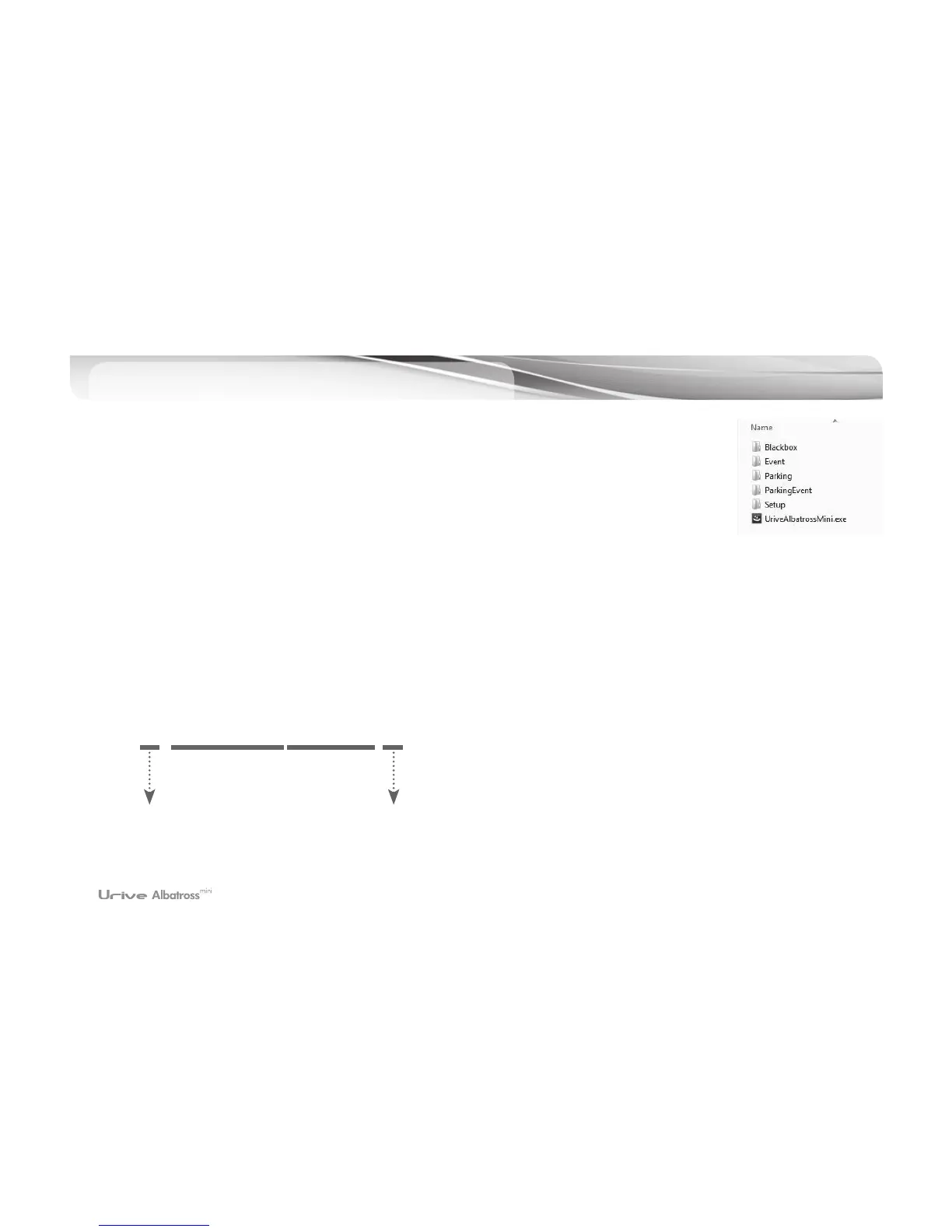
PC Viewer - File folder’s structure
22
mdr0_20140201093025_I.mp4
1.
#
Blackbox Folder: Driving Mode Folder. Files are recorded by one minute.
2.
#
Event Folder: Driving Mode Event Folder. Files are recorded for 20 seconds (10 sec before
impact and 10 seconds after impact)
3.
#
Parking Folder: Parking Mode Motion Detection Folder. Files are recorded for 20 seconds (10
sec before detection and 10 seconds after detection)
4.
#
Parking Event Folder: Parking Mode Impact Folder. Files are recorded for 20 seconds (10 sec
before impact and 10 seconds after impact)
5.
#
Setup Folder: User Folder
6.
#
UriveAlbatrossMini.exe: PC viewer installation file.
0(front) / 1(rear)
various of videos
hour/minuite/
second
• various of videos
I : a driving file
E : a driving event file
P : a parking motion detection file
A : a parking event file
• EX) Video file
year/month/day



 To Next Page