User's Manual _ 19
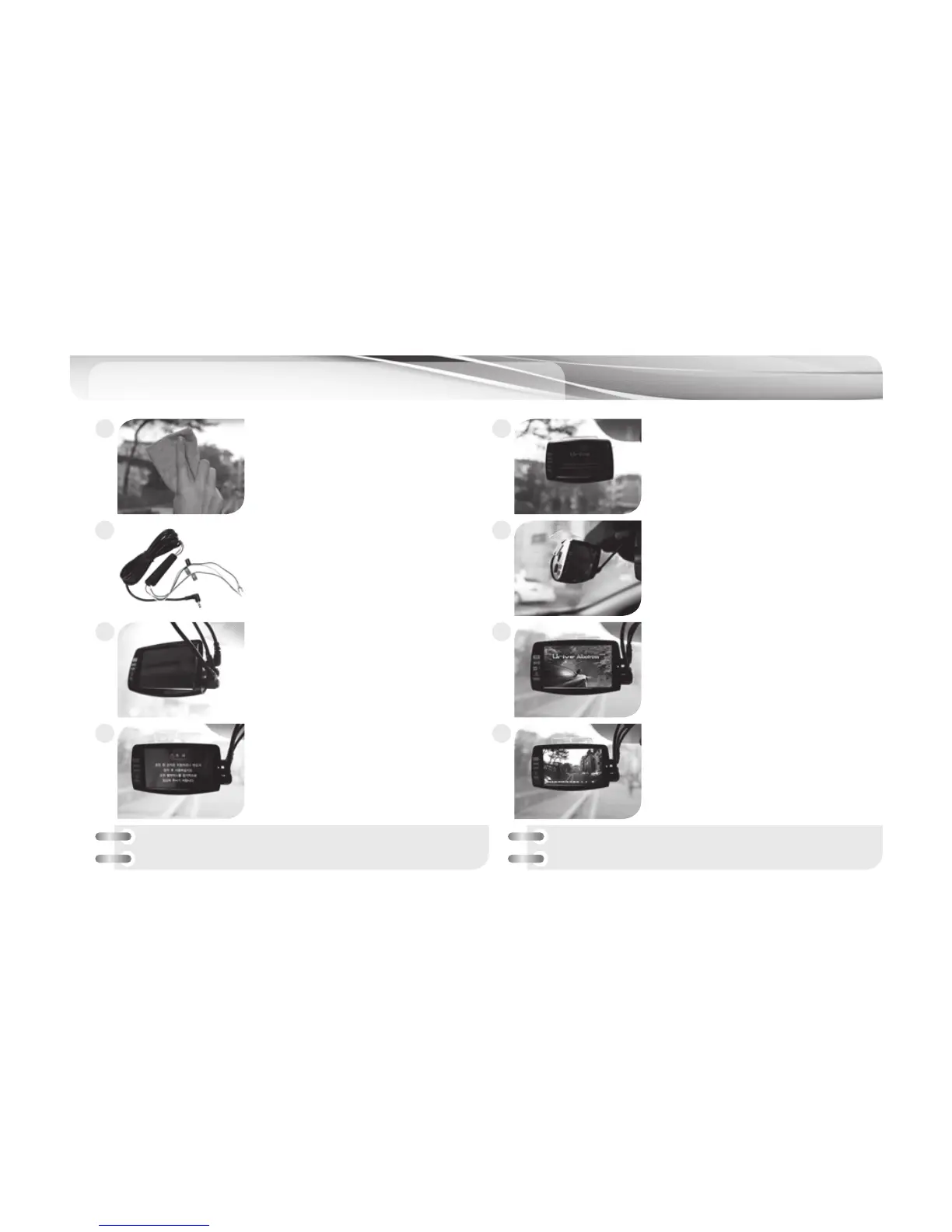
Installation - Main Body
(Front Camera)
10
Clean the spot on the front window
where the product is installed.
The constant power supply must
be installed by an expert.
- Black: GND (ex. Car chasis)
- Yellow: ACC (ex. Cigar Jack Fuse)
- Red: Battery(+), (ex. Emergency Lamp)
Connect DC power cable to DC port
with the power switch turned off.
“Caution” message shows after Intro
screen.
Put the device where you want to
place it
Connect rear camera cable and GPS
cable with the power switch turned
off.
Turning on the power switch will
bring up an intro screen.
Front image dispaly on the screen
with “Start recording” voice after
booting.
1
3
5
7
2
4
6
8
※
Before building in the system completely, please check
whether the front and rear videos are stored normally.
※
State check LED: Continuous mode – Green LED On
Parking mode – Green LED Off



 To Next Page