User's Manual _ 51
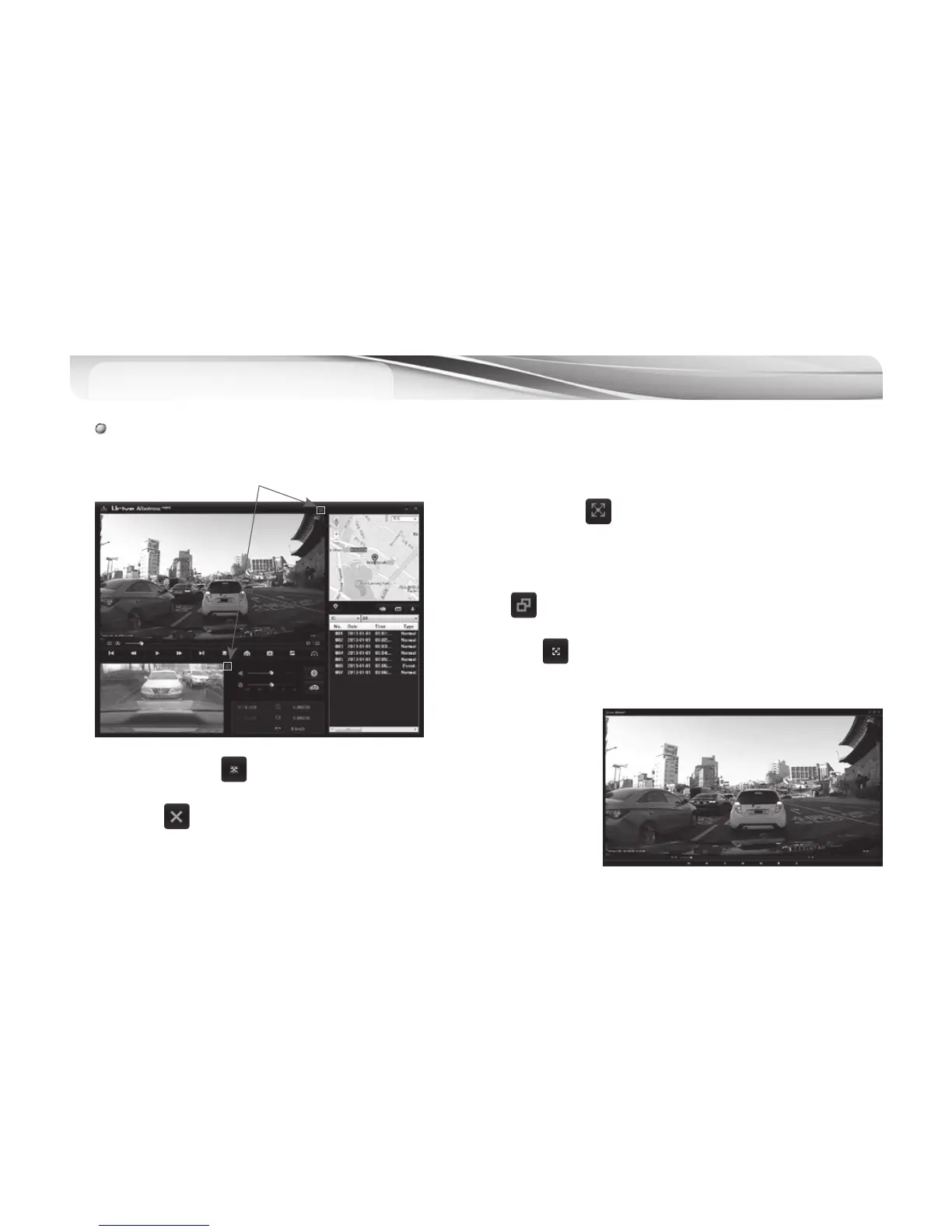
PC Viewer - Full Screen
21
전체화면 전환
# Click the switching button at the top of the viewer to view the full screen of front/rear images.
1.
#
Full screen mode : button in top of Viewer, will to change to
the full screen mode.
2.
#
Return to the screen : To return to the previous screen in full
screen, button clicked will return to the main screen window.
3.
#
Full screen : button shows the videos as a full screen.
4.
#
Standard screen front : 1280x720, rear : 1280x720
5.
#
Clicked button In full screen do not switch to the main screen and
the Viewer program will end.



 To Next Page