50 _
20
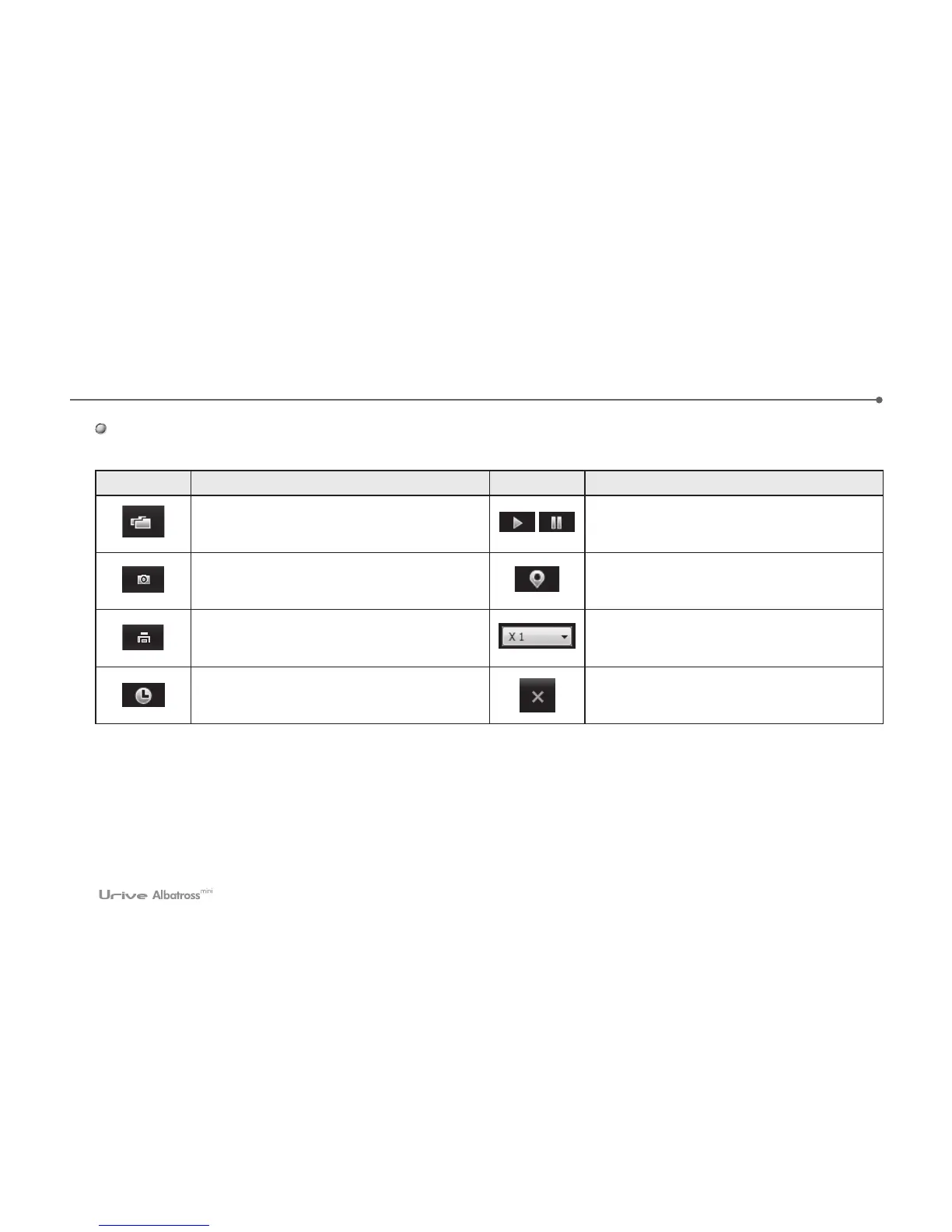
#This table is explanation for icons in the “shuttle history trace” window.
Button Description Button Description
To Open Setup folder Of Micro SD having
Driving history files(extension .dat)
Move the selected item from the list of
paths on the map in order to play.
At the map screen to save the file as ‘jpg’.
To marking on the route path during
playback.
To print the map screen. Route play as 1/2, 1, 2, 4 speed
To Show recording date and time During
playback
To exit the tracking system.



 To Next Page