User's Manual _ 21
GUI-Descriptions
(Displays)
11
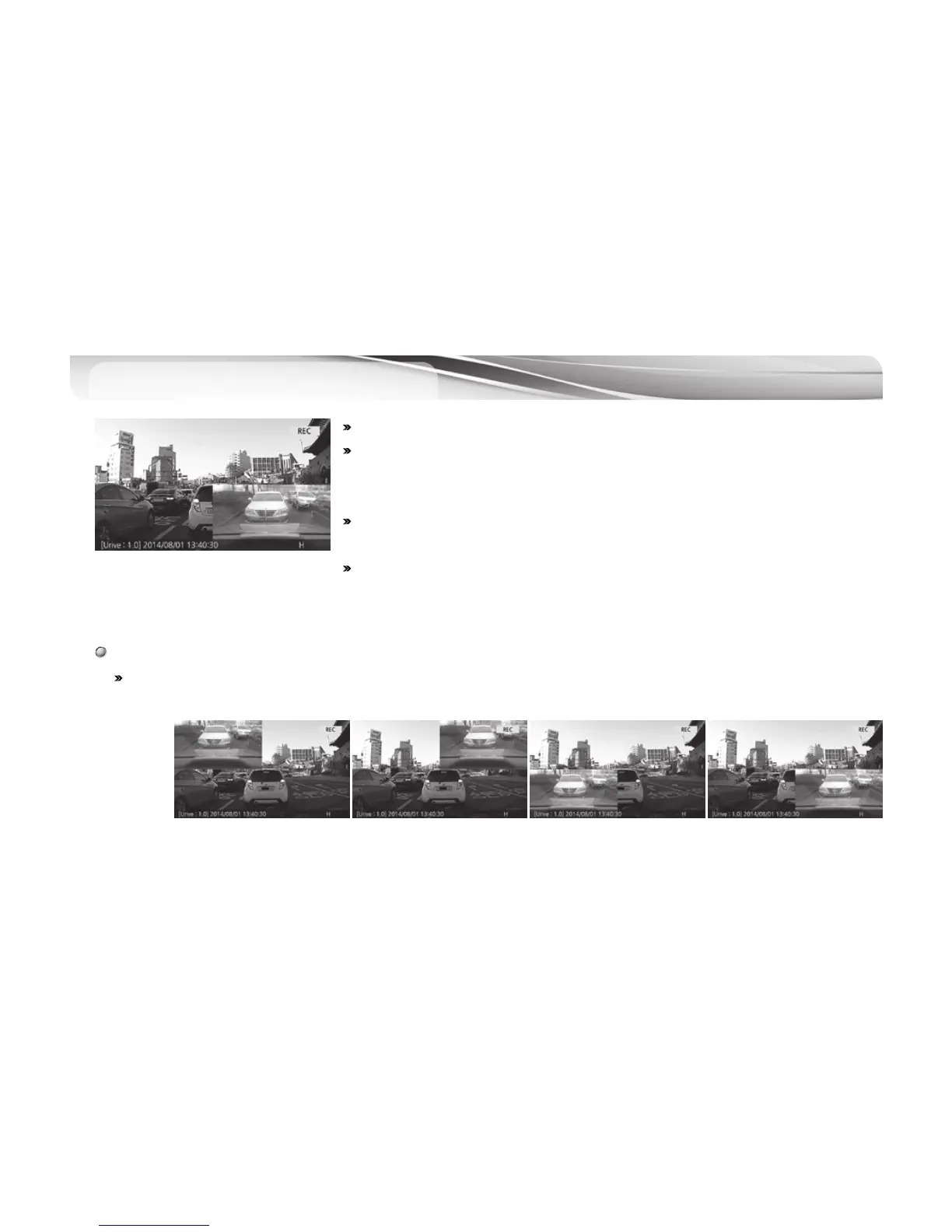
# After booting in driving mode, real-time image shows on the screen.
# On screen dispalys, firmware version, video recording time (yy/mm/dd), video
quality, voice recording on/off, GPS on/off, recording mode (REC, EVT) can be
checked.
# When PIP feature is on, front and rear images are displayed on the screen
together. (PIP feature is set to off by default.)
# The screen turns to screen saver when there is no operation for over one minute
when screen saver feature is on.
# The user can switch the front and rear images by a touch and change the location of images by drag-and-drop on
the screen.
PIP Drag-and-drop



 To Next Page