20 _
Installation -
Rear Camera
10
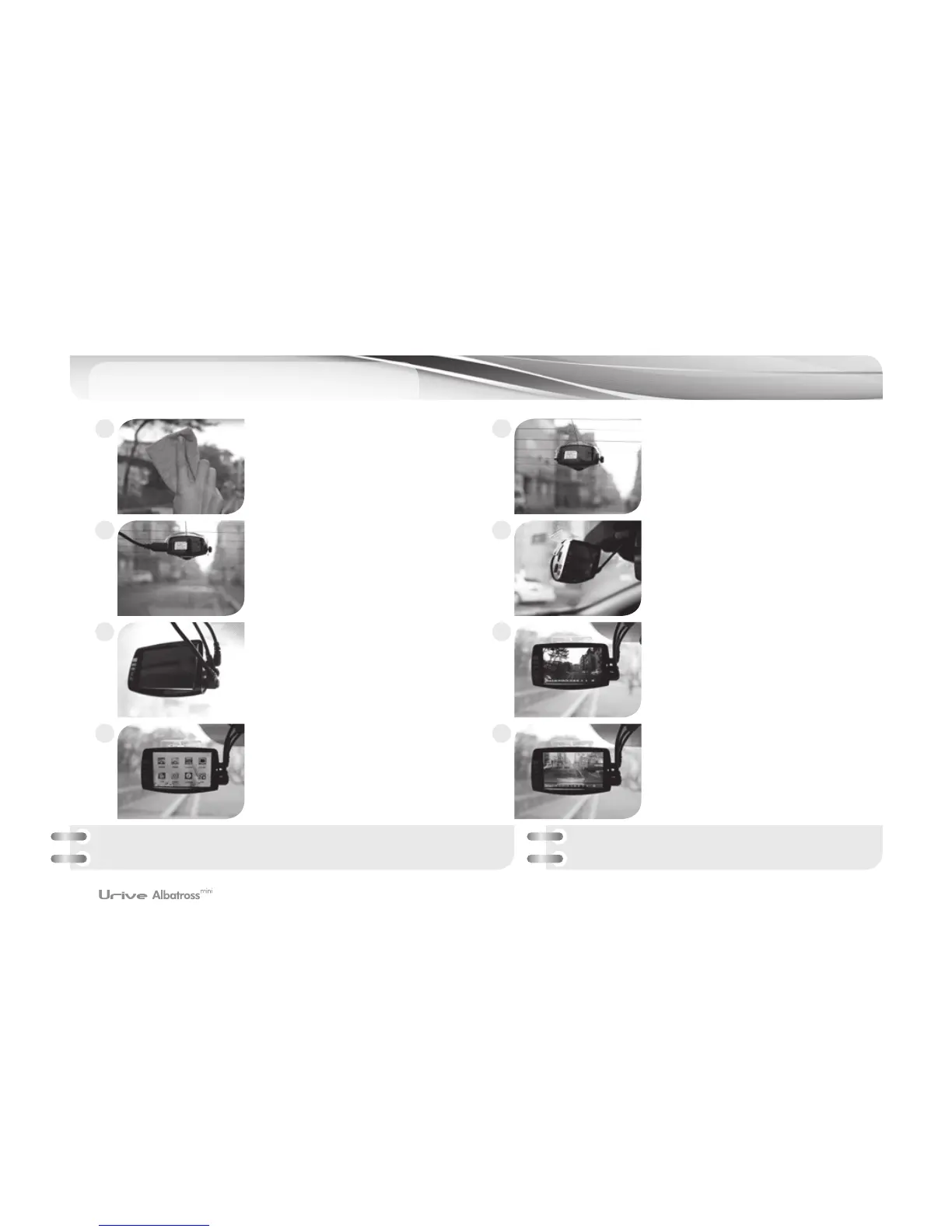
Clean the spot on the rear window
where the product is installed.
Connect mini USB cable to the rear
camera.
Connect DC power cable to DC port
with the power switch turned off.
LCD screen turns to main menu
when touching the screen once.
Put the device where you want to
place it.
Connect mini USB cable to the main
body with the power switch turned
off.
Front image dispalys on the screen
with “Start recording” voice after
booting.
Rear image dispalys on the screen
when choosing “Rear View” in the
main menu.
1
3
5
7
2
4
6
8
It is required to take precautions installing the rear camera to the rear window, considering
that the quality of video may not be as good as desired due to tinting or heating cables.
※
State check LED: Regular recording mode – Green LED On
Parking mode – Green LED Off



 To Next Page