User's Manual _ 33
13
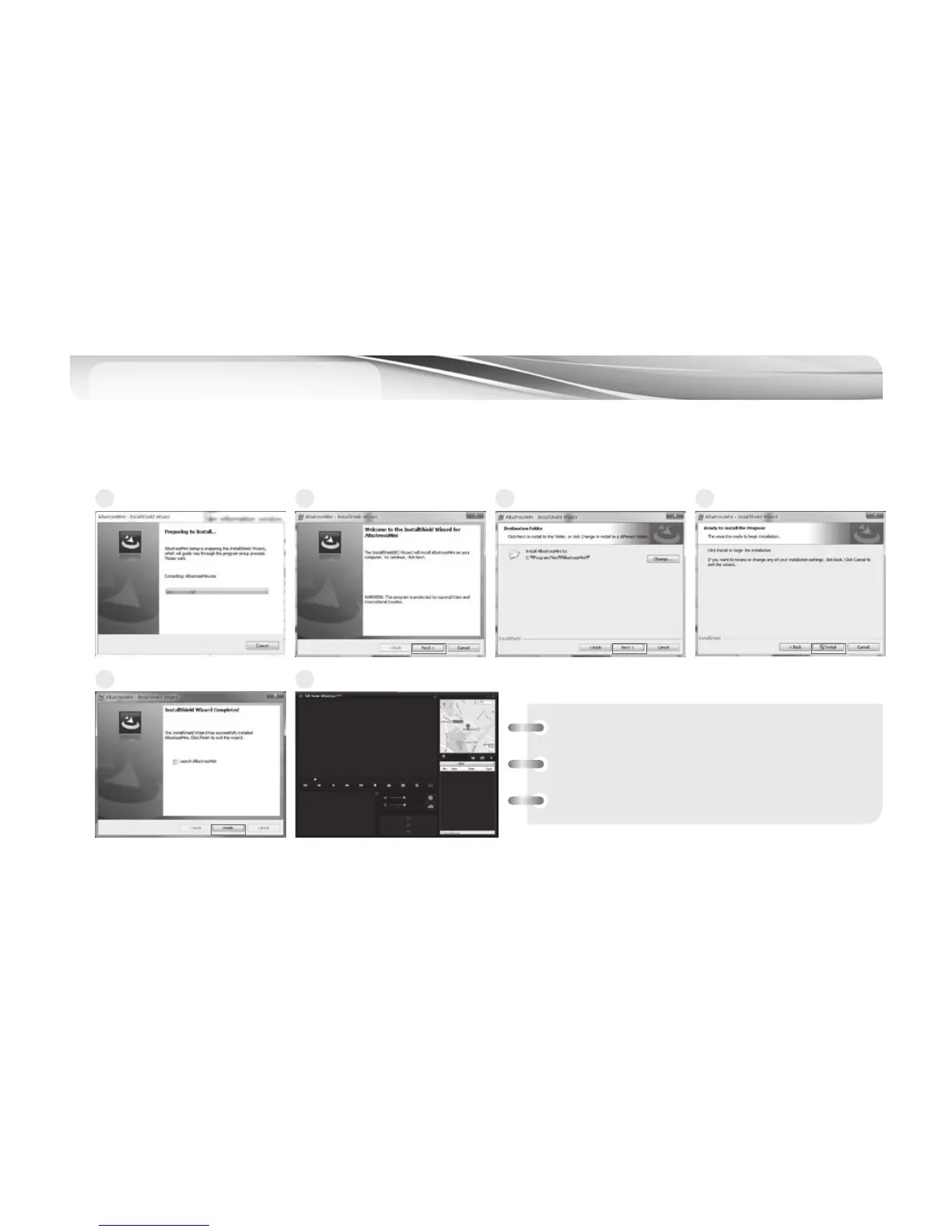
PC Viewer Installation
1. Connect the MicroSD memory card with MicroSD card reader to the PC and execute the “AlbatrossMini.exe”.
1
4
2
5
3
6
[Minimum PC spec. for PC viewer]
• Computer OS : XP (32bit), Vista (32bit),
Window7 (32/64bit), Window8(32/64bit)
• Computer H/W : PENTIUM4 2.8GHz / 1G RAM
• Web browser : Microsoft Internet Explorer 7.0



 To Next Page