User's Manual _ 49
20
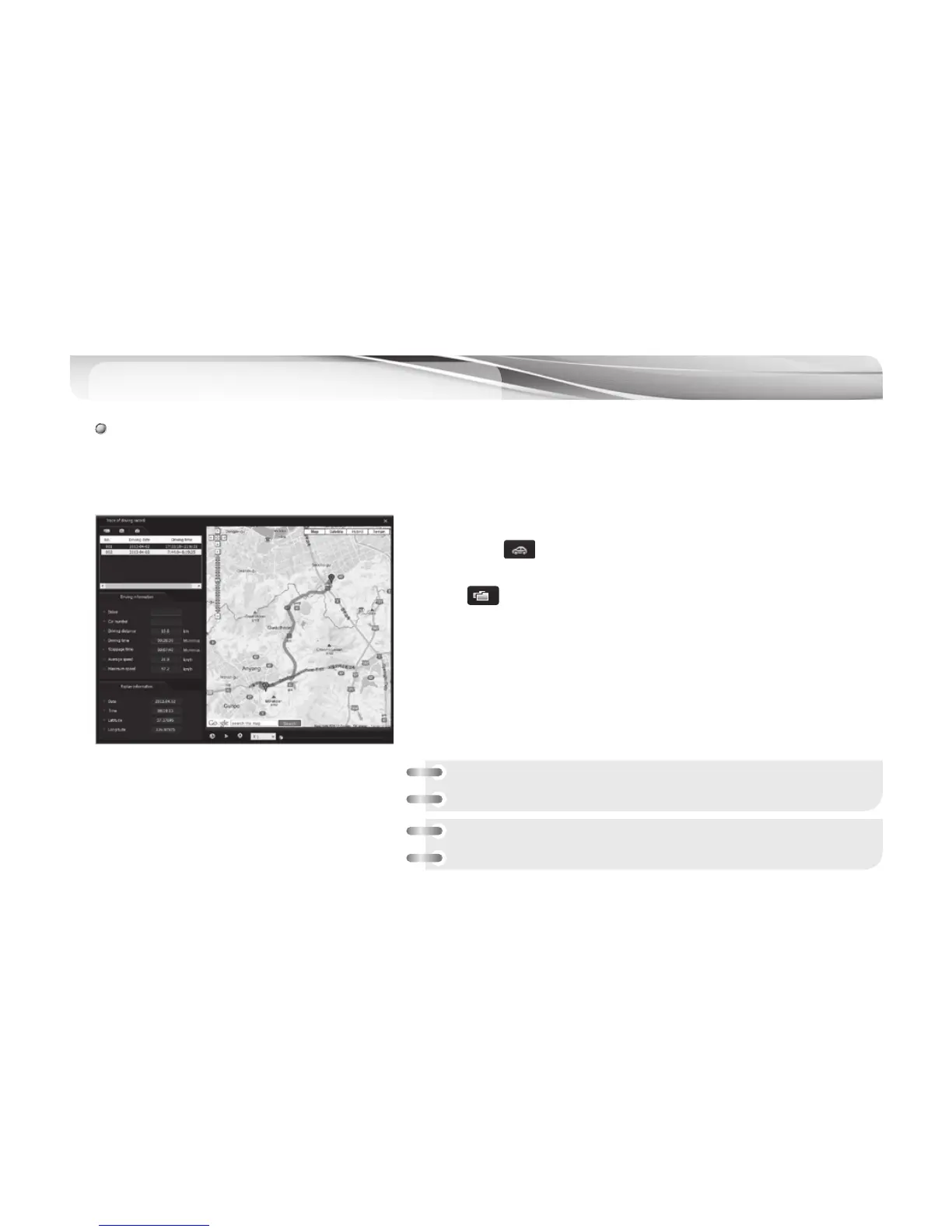
PC Viewer - Driving Record Trace
20
# When the GPS module is connected to the car DVR main body, the system saves driving record every 10
seconds. Each “dat” file keeps one month of driving records. GPS module which is an option item should be
installed to support this feature.
1.
#
Take Micro SD card out of the blackbox and connect it computer.
2.
#
If you press button in main screen of viewer, window showing the
trip record (picture on the left) will appear.
3.
#
Press button in the picture on the left, the list of driving record
sorted by date will appear in a line if you select files with extension of
dat. in the setup folder of Micro SD card.
4.
#
If you click the item in the list you want to review, the relevant driving
route is shown in the map on the right.
Reference) 5 dat. Files are max. saved only
Note : Stoppage time is not included in trip time and parking time
is not included in stoppage time in the map on the left.



 To Next Page