22 _
GUI-Descriptions
(Main Menu)
11
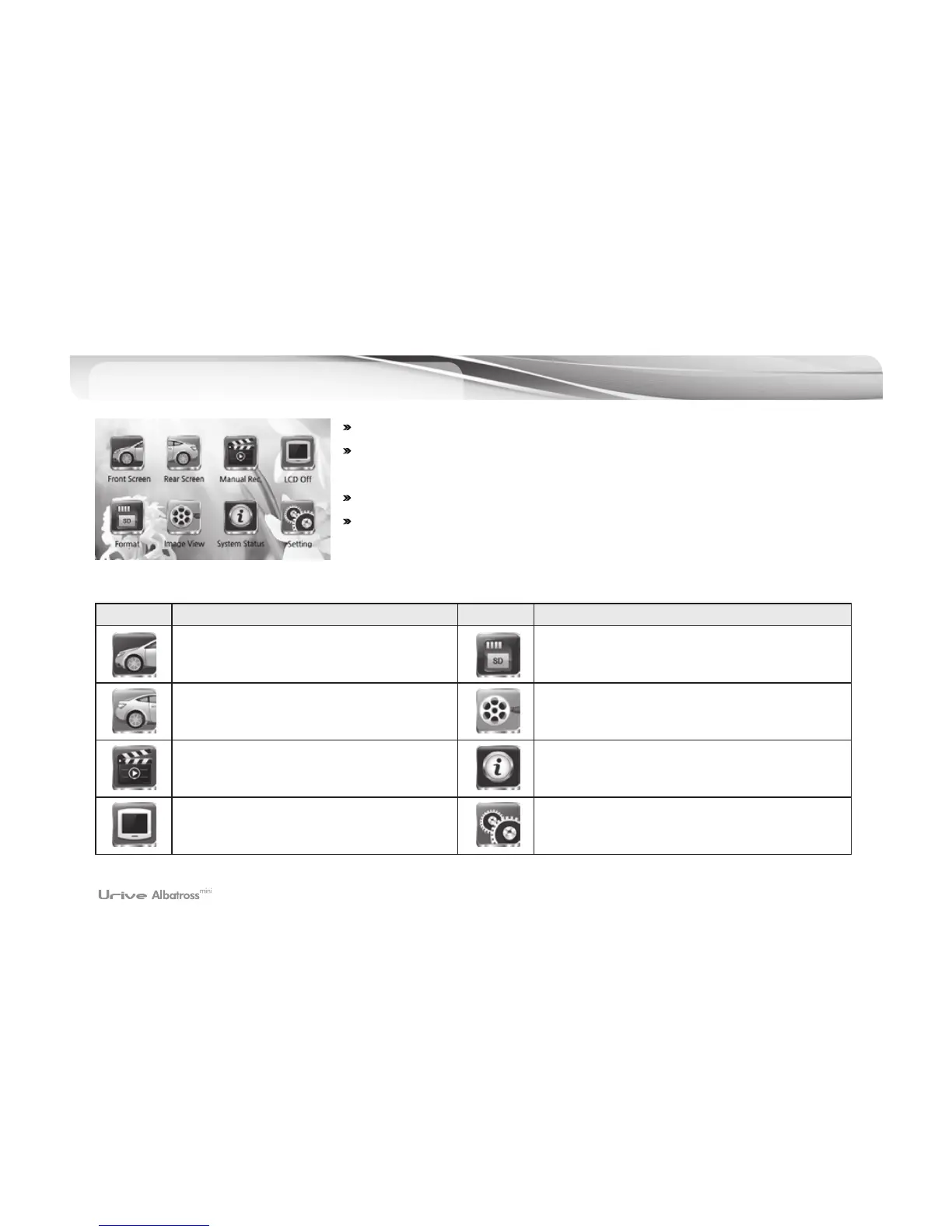
# LCD screen turns to main menu when touching the screen once.
# The menu screen will show eight icons for front video, rear video, image
recording, LCD off, formatting, video view, system state, and setting.
# Video/audio recording continues on main menu screen.
# The screen turns to screen saver when there is no operation for over one minute
when screen saver feature is on.
Icons Meaning Icons Meaning
Front video: Shows the front video in real
time.
Format: SD formatting
Rear video: Shows the rear video in real
time.
Video view: Checks the video, recorded in the
memory card, through the LCD screen.
Manual (forced) recording:
Manual recording and event files stored.
System status: Checks the state of the system
LCD off
: Turns off the LCD screen.
Touching the LCD screen will turn it back on.
Setting: Sets the environment



 To Next Page