User's Manual _ 23
GUI - Descriptions
(Screen Saver)
11
#
The he screen turns to screen saver when there is no operation
for over one minute when screen saver feature is on.
#
When screen saver feature is off, the LCD screen turns off in two
minutes.
#
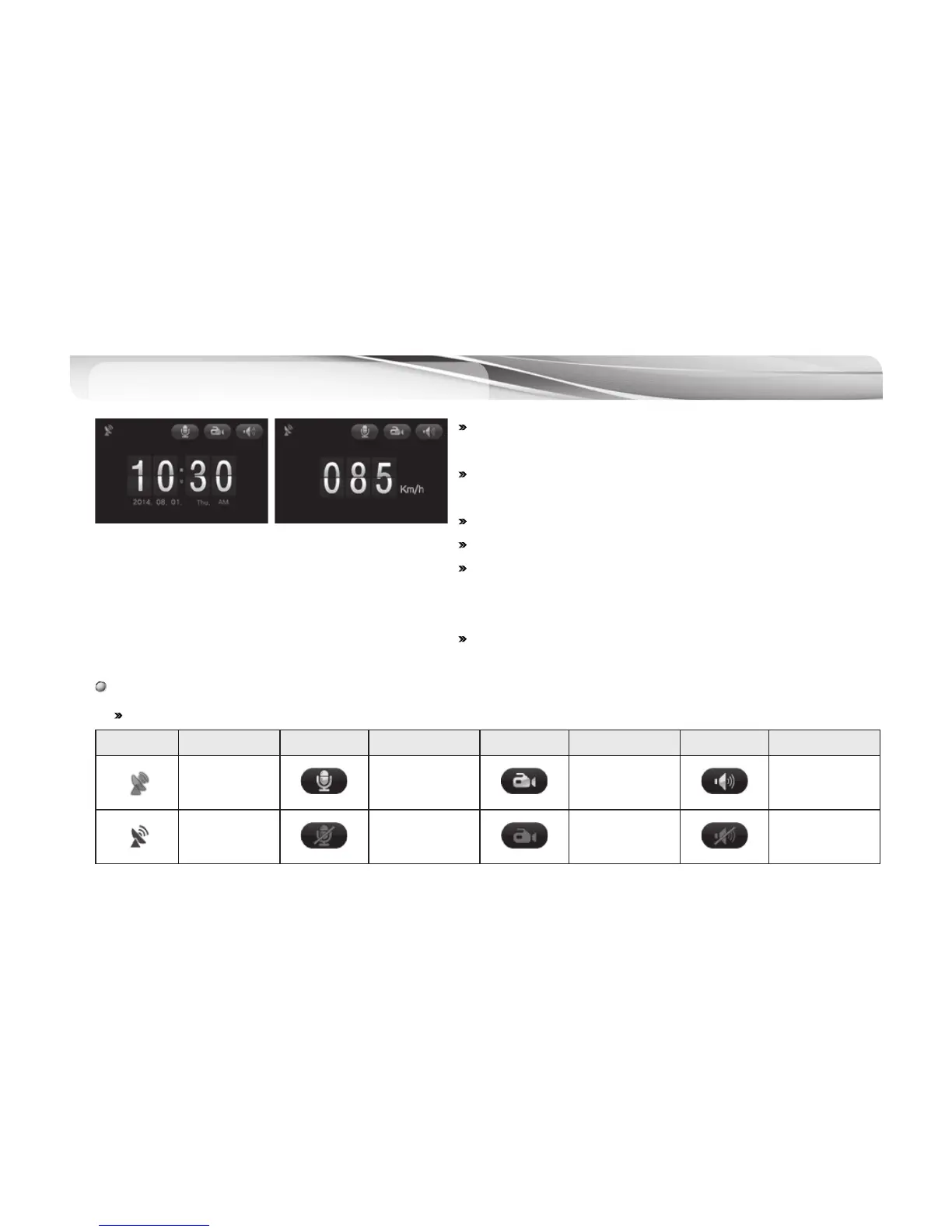
There are two (clock, speed) modes in screen saver.
#
Video/audio recording continues in screen saver.
#
On screen saver, the user can check and operate “Audio On/Off,
Event (Driving) Mode On/Off, Speaker On/Off” and check GPS
receiving status.
#
Screen saver displays driving speed when GPS module is
connected. (“000Km/h” displays without GPS connection.)
Icons on the screen saver
# Except for the GPS icon, other icons for audio recording, manual recording and volume control can be pushed for setting.
Icons Meaning Icons Meaning Icons Meaning Icons Meaning
GPS ON
Audio recording
(Mute Off)
Activated during
the event
recording
Speaker volume
control
(1 – 3-stage)
GPS OFF
No audio
recording
(Mute On)
Deactivated during
the continuous
recording
No speaker
sound
[ Time ] [ Speed ]



 To Next Page