User's Manual _ 25
GUI - Descriptions
(Video Play)
11
#
Video view: Checks the lists of files of continuous recording, event recording,
motions detected while parked, and events recorded while parked, and playing
them back directly for checking.
#
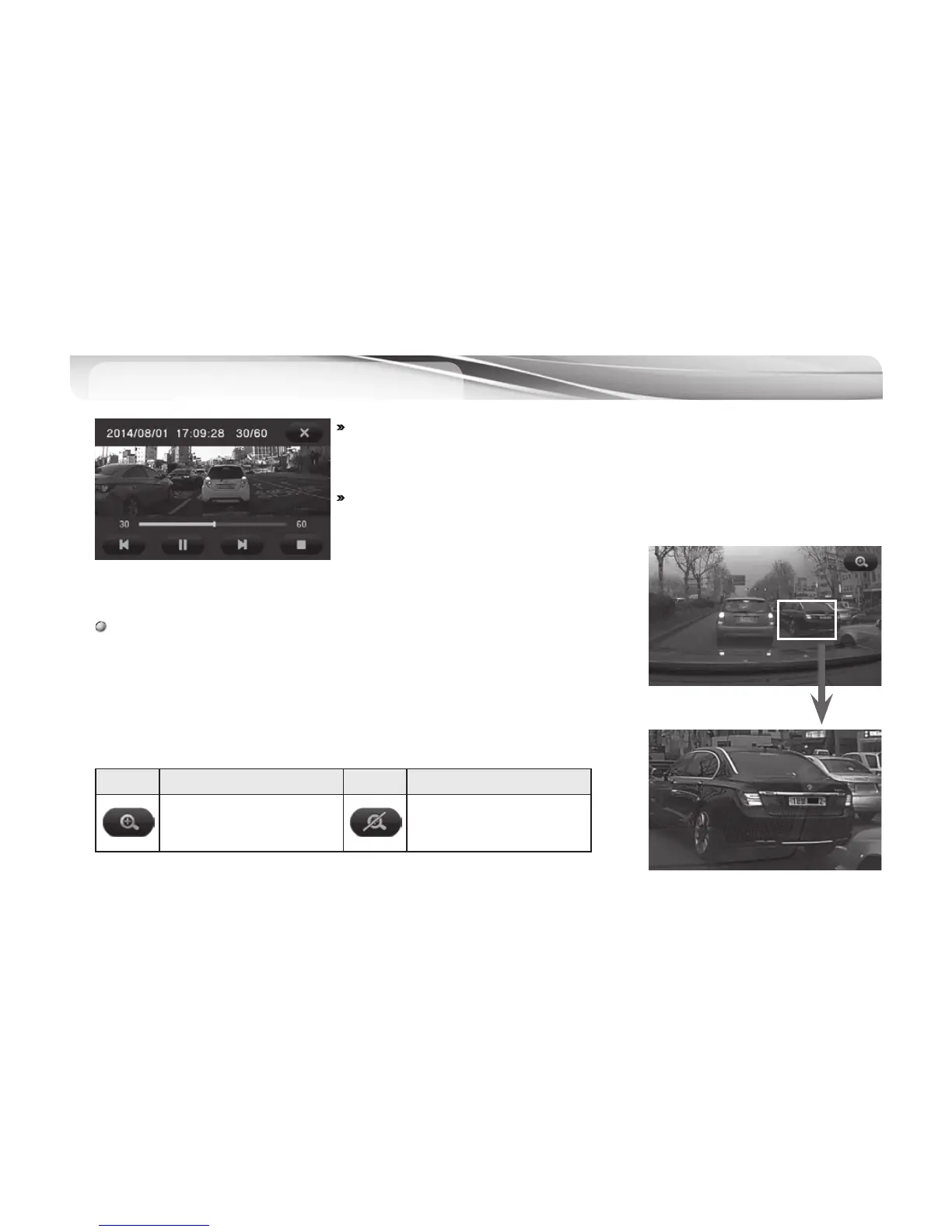
Selecting and clicking a file from the list of files will play back the saved video.
Zooming
- After pressing “Pause” button on the play screen, touch LC D screen
- Press “Zoom” icon at the top right corner of the screen
- Touch the part of image to zoom in.
Icons Meaning Icons Meaning
Zoom Feature On
Zoom Feature Off



 To Next Page