36 _
15
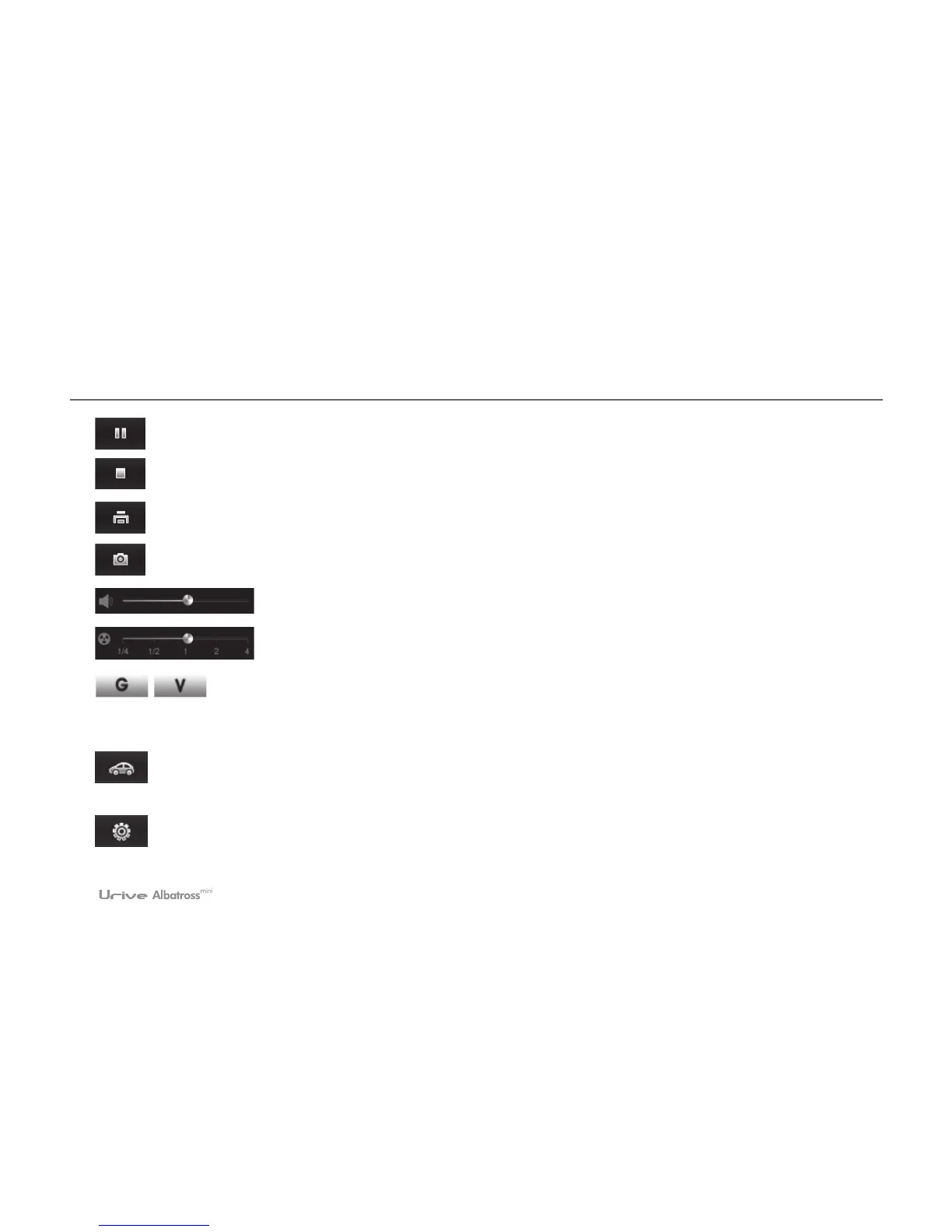
Pause
Stop the play
Screen print Printing the whole screen of the viewer.
Screen capture Saving the full screen at the viewer as a JPG file.
Volume control Control the volume up to 10.
Control the play speed Control the play speed as 1/4, 1/2, 1, 2, 4.
G-force/Velocity Graph These are toggle buttons which are used to display acceleration and
velocity graphs, respectively. The velocity graph is available only when the GPS module (optional) is
mounted.
Driving History This button is used to display information on the driving history. The information is available
only when the GPS module (optional) is mounted.
Black Box Setting This button is used to store setting of the Black Box in the SD Card. This is enabled only
when the SD card is connected to your PC.



 To Next Page