User's Manual _ 41
16
1.
#
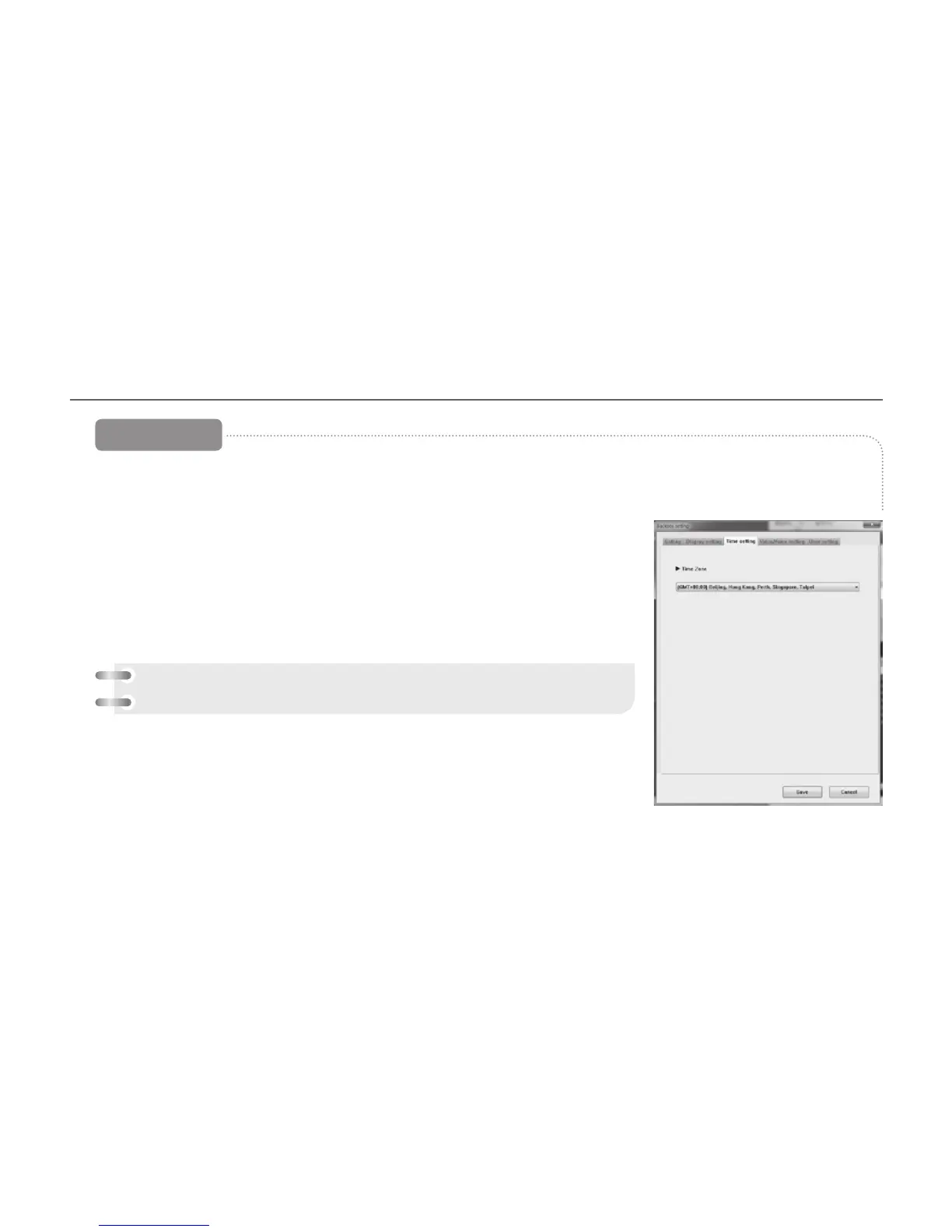
Time Settings tab, the black-box time settings and standard time settings are
available.
2.
#
Standard Time Setup : The GMT can be set by country. The PC system time is
loaded and recognized as the standard time. (Standard Time of South Korea –
GMT +09:00 Seoul)
3.
#
When you click the Save button after you select this, the environment setting is
finished.
[Time setting]
[Reference] how to setting the time on the device
Main menu – system setting – time setting



 To Next Page