Page 32
LPH800 TREATER
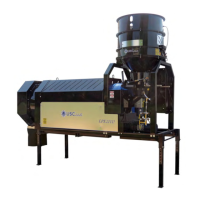
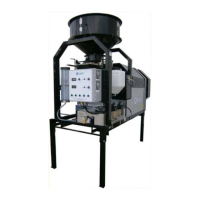
The following steps illustrate how to calibrate pump #1 on an LPH800 seed treater.
A stop watch will be needed in the calibration process.
If the seed treater is equipped with a flow meter, refer to the Flow
Meter operator’s manual for pump calibration instructions.
1. Lock down the pump tubing in the Pump #1 pump head. (see page 22)
2. Premix enough liquid for the amount of seed you will be treating and pour into the
30 gallon stainless steel tank. It’s always a good practice to mix up 20% extra slurry
to help fill all the lines. Turn on the mix tank and allow liquid to mix.
3. Turn the SEED TREATMENT SOURCE valve to the MIX TANK position, the
SEED TREATMENT valve to the CALIBRATE position and the valve on top of the
mix tank to MIX TANK.
4. Turn the pump #1 direction switch to FORWARD.
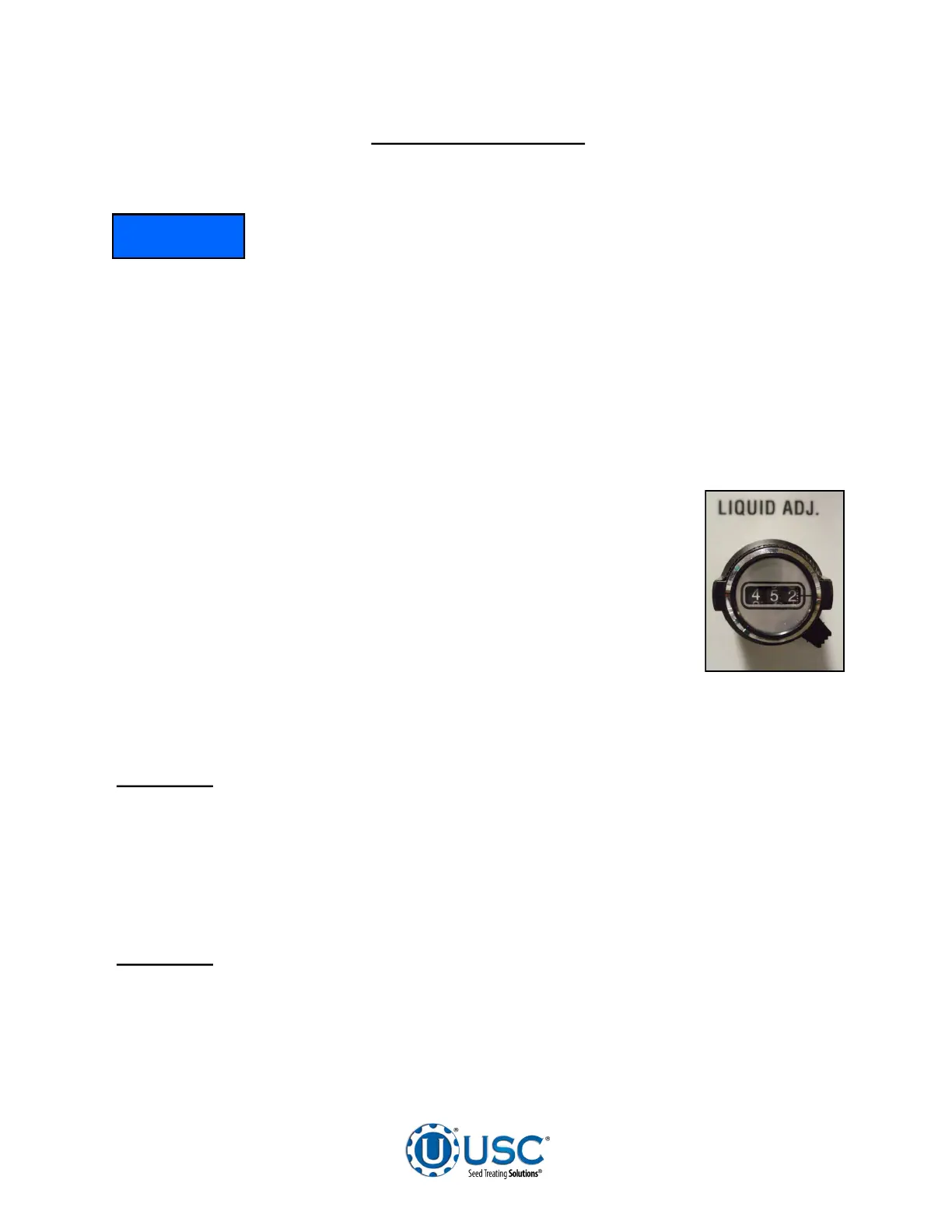
5. Turn the HAND / OFF / AUTO switch to the HAND position and set
the Pump #1 liquid adjust dial (right) to about 500 or half speed.
The liquid should begin re-circulating from the bottom of the mix
tank, through the pump, and back into the top of the mix tank.
6. Allow pump to re-circulate liquid for approximately 15 minutes to
ensure all air has been removed from the liquid lines. This will also
help break-in the pump tubing, which is critical before checking
pump calibration.
7. After you have allowed the liquid to re-circulate you are ready to calibrate the pump.
Determine the number of ounces needed in one minute.
EXAMPLE: The seed treatment slurry rate is 4 ounces per cwt.
Seed Flow Rate = 6.41 cwt/min. x 4 oz./cwt. = 25.6 oz./min.
25.6 oz. is the rate the pump should be pumping in one minute.
8. Set the Liquid Adjustment Dial . You can use the chart on page 34 to find a starting
point.
EXAMPLE: The ounces needed in one minute = 25.6 oz/min. Assume we are
using a 6-600 Masterflex pump. An approximate starting point is 31.8
volts.
PUMP #1 CALIBRATION
NOTICE


 To Next Page