ENTERING LETTERS, NUMBERS & SYMBOLS MAKING A CALL THROUGH THE PHONE BOOK
C
H
3
NUMERIC MODE
1
Press [Abc] and scroll down to “Symbols”
and press to change to Symbol Mode.
37
C
H
3
36
1
Press [Abc] and scroll down to “123” and
press to change to Numeric Mode.
2
To enter a number, press a digit key.
Press [ ],
or
Press [ ].
2
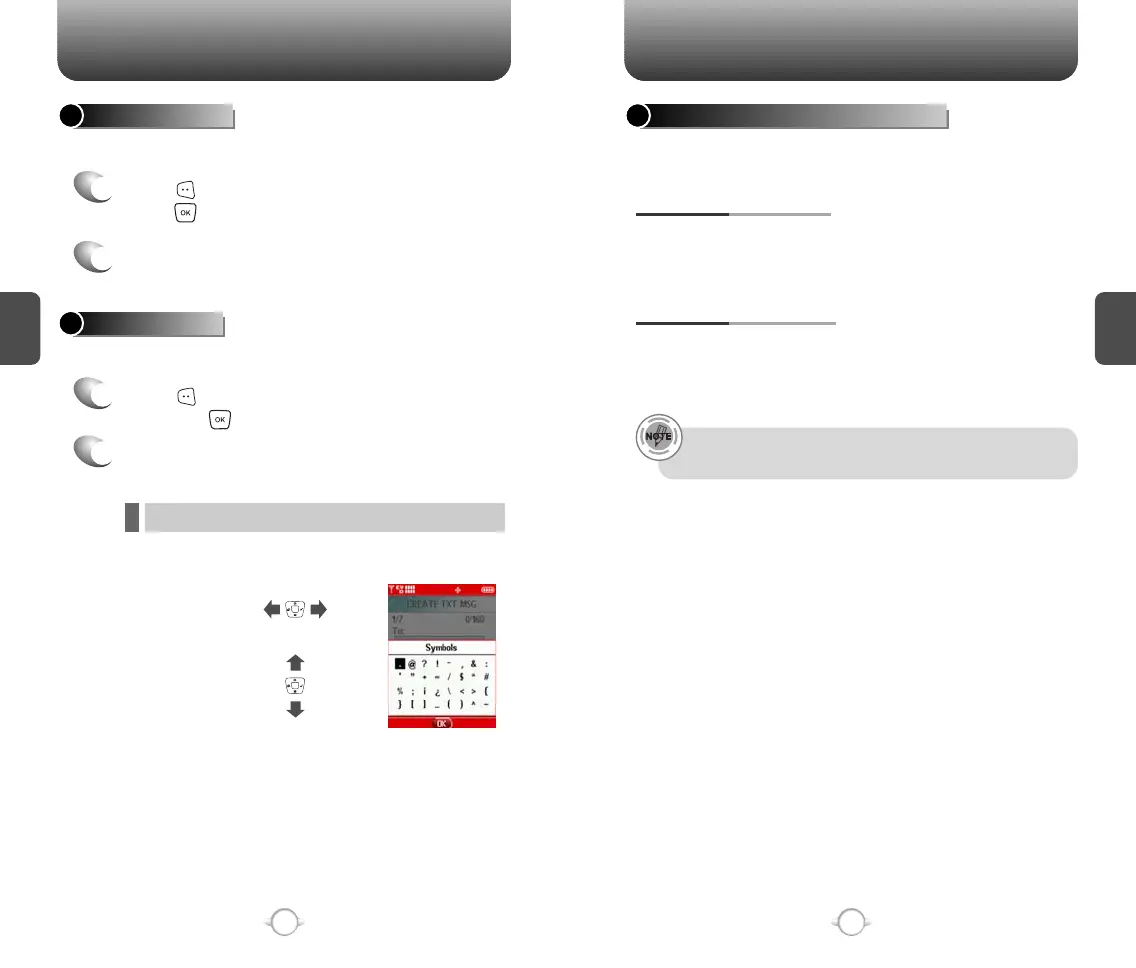
Select symbol you want to enter with the
Navigation Key.
l Use the Navigation Key to view a different line of symbols.
SYMBOL MODE
Allows you to enter numbers.
Allows you to enter symbols.
Ideal for frequently dialed numbers, this feature allows phone book
entries to be dialed via the keypad with only one or two key presses.
ONE-TOUCH/TWO-TOUCH DIALING
2-9 : Press and hold the number you wish to connect
for more than 1 second.
ONE-TOUCH DIALING:
10-22 : Press the first digit and second digits of the
memory number short and long
respectively.
TWO-TOUCH DIALING:
• If no phone number is stored in the location entered,
“Unassigned location” will appear on the screen.



 To Next Page