SETTINGS SETTINGS
C
H
4
63
C
H
4
62
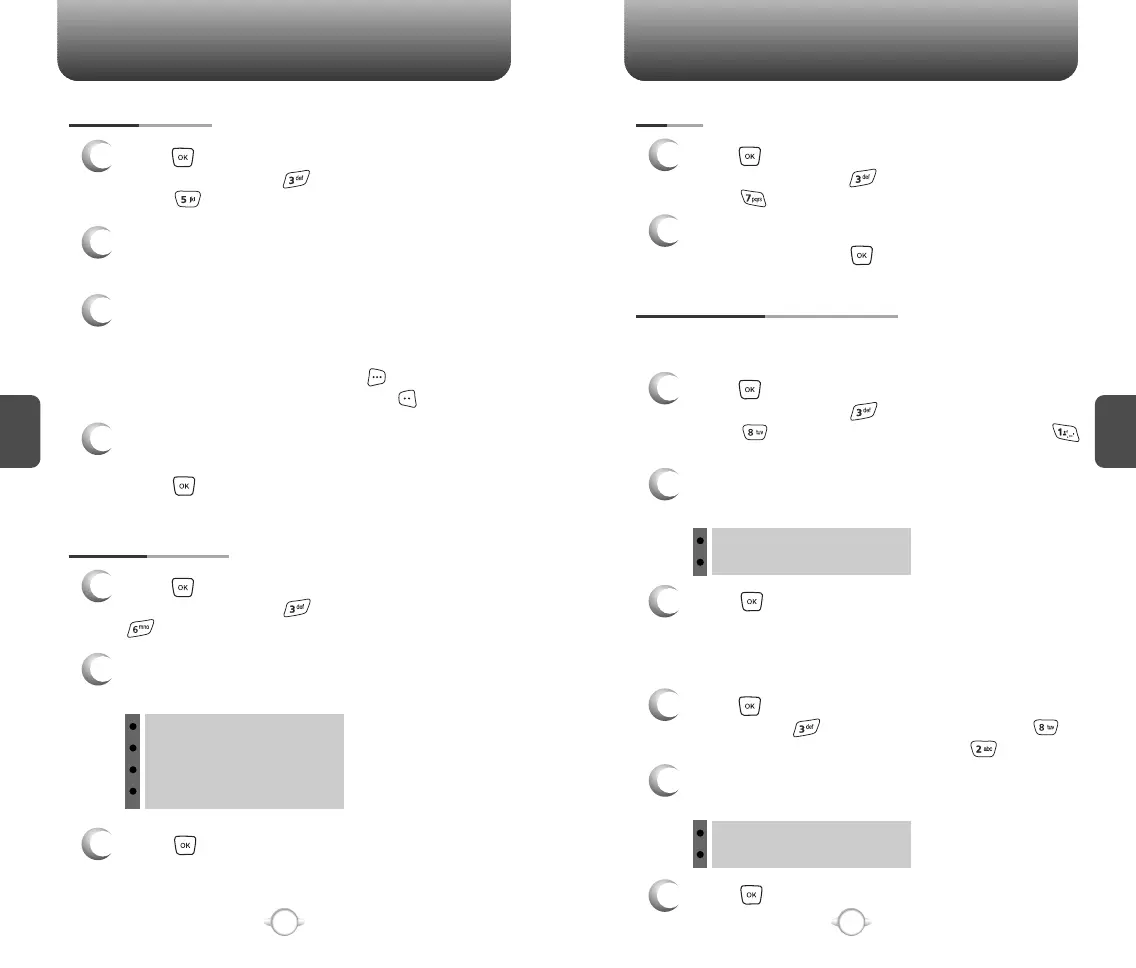
DISPLAY THEMES
3
Press to save it.
1
Press [MENU] and then select “Settings &
Tools” menu, press “Display” and then select
“Display Themes”.
2
Select one of the following options with the
Navigation Key.
SCREENSAVER
1
Press [MENU] and then select “Settings &
Tools” menu, press “Display” and then
select “Screensaver”.
3
Select Default to choose a pre-installed display,
Downloads, PIX # or FLIX # to choose a display
you have downloaded to your phone.
To launch “Get It Now”, press [GET NEW].
To expand selected image, press [VIEW].
4
Select a display from the Animation and the
Graphic list using the Navigation Key and then
press to save it.
FONTS
1
Press [MENU] and then select “Settings &
Tools” menu, press “Display” and then
select “Fonts”.
2
Select “Normal” or “Large” with the Navigation
Key and then press to save it.
Allows you to change the power on animation.
POWER ON/OFF ANIMATIONS
1
Press [MENU] and then select “Settings &
Tools” menu, press “Display” and then
select “Power On/Off Animations”, press
“Power On”.
POWER ON
Allows you to change the power off animation.
1
Press [MENU] and then select “Settings & Tools”
menu, press “Display” and then select
“Power On/Off Animations”, press “Power Off”.
POWER OFF
3
Press to save it.
2
Select one of the following options with the
Navigation Key.
Animation 1
Animation 2
Theme 1
Theme 2
Theme 3
Theme 4
3
Press to save it.
2
Select one of the following options with the
Navigation Key.
Animation 1
Animation 2
2
Select “My PIX” or “My FLIX” with the
Navigation Key.



 To Next Page