INBOX INBOX
C
H
6
109
C
H
6
108
SAVE PICTURE (MMS PIX)
1
Select to save a picture to the “My PIX” folder.
SAVE VIDEO (MMS VIDEO)
1
Select to save a video to the “My FLIX” folder.
FORWARD
1
Select to forward the TXT or PIX/FLIX message.
2
Input the phone number of the person you are
sending the message and then press .
3
Input any text message to go along with the
forwarded message and then press [SEND].
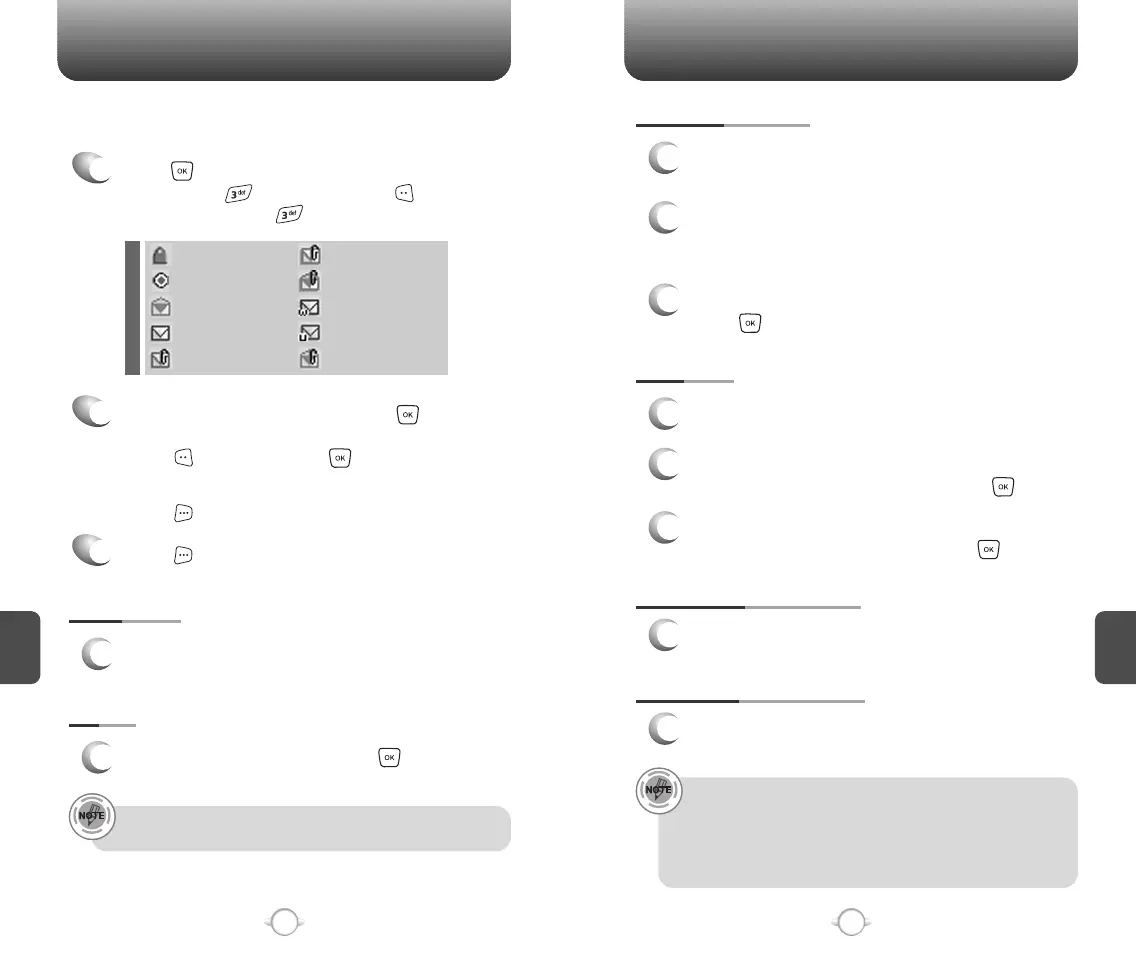
The Inbox manages received TXT,PIX/FLIX, Web Alert messages.
To access:
2
Select a message and then press [OPEN].
The message is displayed. To delete a message,
press [ERASE], press .
When you select WAP PUSH message,
press [GET], to launch the browser.
Press [OPTIONS].
3
REPLY
1
Type your reply and then press .
PLAY AGAIN
1
To play a received PIX/FLIX message.
REPLY WITH COPY
1
2
3
Select to reply with the original message
included.
The default call back number is automatically
included in the Default CB# field.
You can scroll to the number and edit it.
To send the TXT or PIX/FLIX message,
press [SEND].
1
Press [MENU] and then select “Messaging”
menu, press “Inbox” or press
[MESSAGE], press “Inbox”.
• “Reply with Copy” menu appears only when you receive a TXT
message.
• “Save Picture” menu appears only when you receive a PIX
message.
• “Save Video” menu appears only when you receive a FLIX
message.
“Play Again" menu appears only when you receive a PIX/FLIX
message.
: Lock
: Priority
: Read
: Unread
: EMS Unread
: PIX Unread
: PIX Read
: MMS Push
: Wap Push
: EMS Read



 To Next Page