SETTINGS SETTINGS
C
H
4
69
C
H
4
68
4
Press to save it.
Device : Lock, Unlock, On Power Up
Location : Lock, Unlock
Prevents unauthorized use of your phone. The following settings can
be restricted:
Prevents the phone from being used without entering the password first.
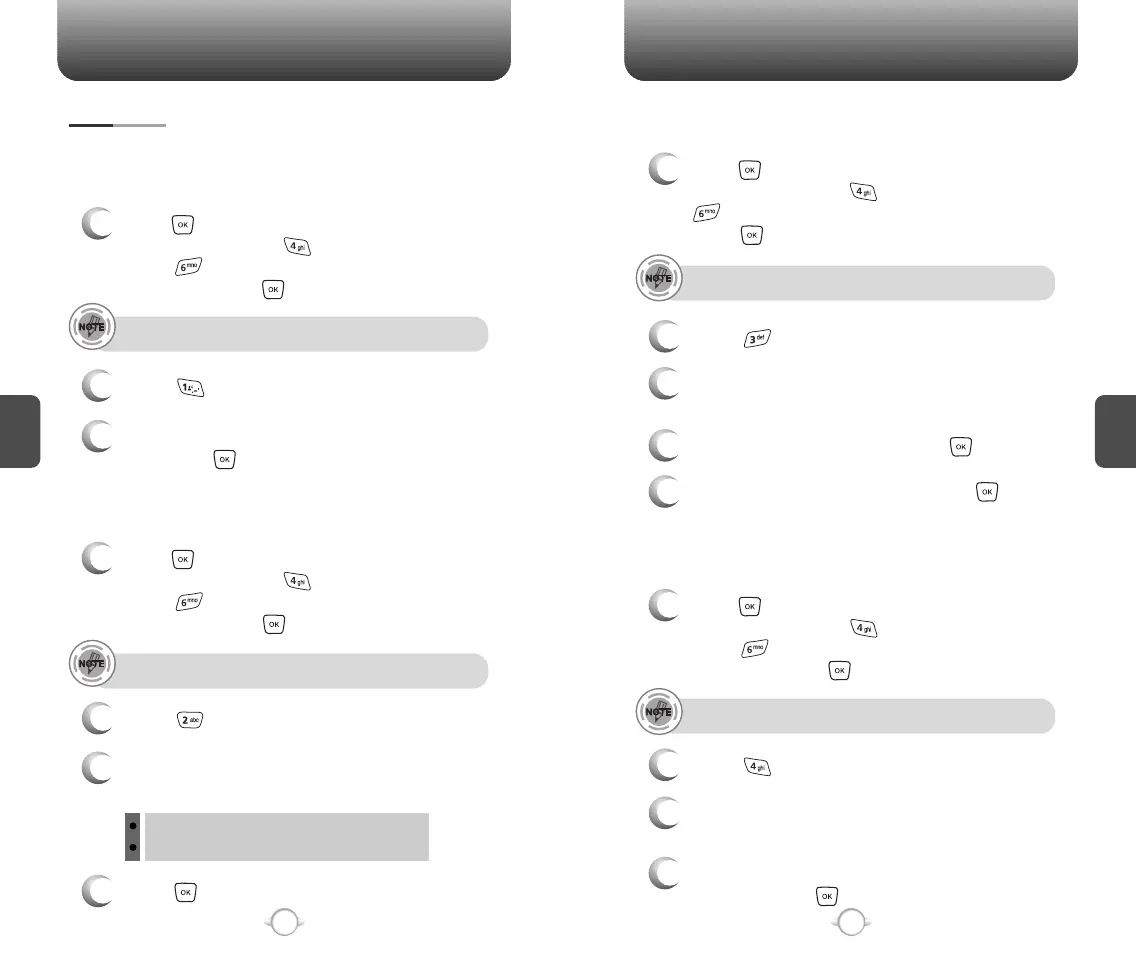
SECURITY
1
Press [MENU] and then select “Settings &
Tools” menu, press “System” and then
select “Security” and then enter your
password, press .
3
Select “On” or “Off” with the Navigation Key and
then press to save it.
4
Select “Yes” or “No” with the Navigation Key
and then press to save it.
2
Select “Common Code”.
COMMON CODE
The default password is the last 4 digits of your phone number.
1
Press [MENU] and then select “Settings &
Tools” menu, press “System” and then
select “Security” and then enter your
password, press .
3
Select “Device” or “Location” and then select one
of the following options with the Navigation Key.
2
Select “Lock Mode”.
LOCK MODE
The default password is the last 4 digits of your phone number.
4
Enter a “New Code” then press .
5
Enter a “Confirm Code” then press to save it.
1
Press [MENU] and then select “Settings &
Tools” menu, press “System” and then select
“Security” and then enter your password,
press .
3
Select “Device” or “Location” and then select one
of the following options with the Navigation Key.
2
Select “Edit Code”.
EDIT CODE
The default password is the last 4 digits of your phone number.
Changes your Device/Location 4-digit password.
1
Press [MENU] and then select “Settings &
Tools” menu, press “System” and then
select “Security” and then enter your
password, press .
2
Select “Format Card”.
FORMAT CARD
The default password is the last 4 digits of your phone number.
3
You will see the message “All data in card
will be lost. Continue?”.
Changes your Device/Location 4-digit password.



 To Next Page