SENT DRAFTS
C
H
6
113
C
H
6
112
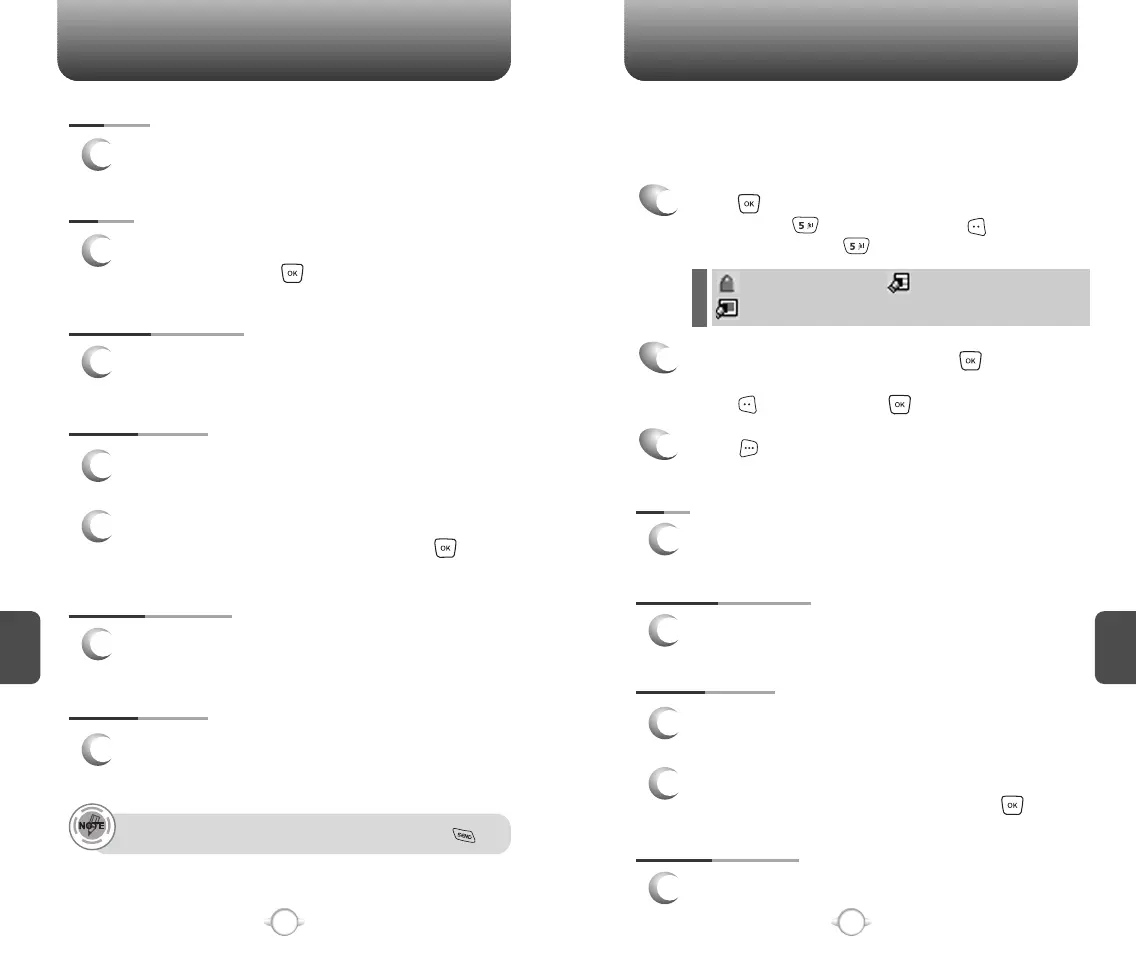
SAVE QUICK TEXT
1
Select to save received text msg to “Quick Text”.
ADD TO CONTACTS
1
Select to save number to contacts.
LOCK/UNLOCK
1
Select to lock or unlock the TXT or PIX/FLIX
message.
2
Select “Lock” to lock the message or “Unlock”
to unlock the message and then press .
SAVE QUICK TEXT
1
Select to save draft text msg to “Quick Text”.
ADD TO CONTACTS
1
Select to save number to contacts.
SEND
1
Select to send a selected message.
LOCK/UNLOCK
1
Select to lock or unlock the TXT or PIX/FLIX
message.
2
Select “Lock” to lock the message or “Unlock”
to unlock the message and then press .
MESSAGE INFO
1
Select to show send PIX/FLIX message
information.
Place a call to a send message number by simply pressing .
RESEND
1
Select to resend a TXT or PIX/FLIX message.
ERASE
1
To erase this message, select “Erase” and then
select “Yes”, press .
1
Press [MENU] and then select “Messaging”
menu, press “Drafts” or press
[MESSAGE], press “Drafts”.
2
Select a message and then press [EDIT].
The message is displayed. To delete a message,
press [ERASE], press .
Press [OPTIONS].
3
Draft Folder contains any draft messages or saved messages.
If message composition is interrupted by a voice call or other
interrupting event, the text of the current composition is automatically
saved in the drafts folder.
: Lock
: PIX Drafts
: SMS/EMS Drafts



 To Next Page