C
H
4
83
TOOLS
C
H
4
82
TOOLS
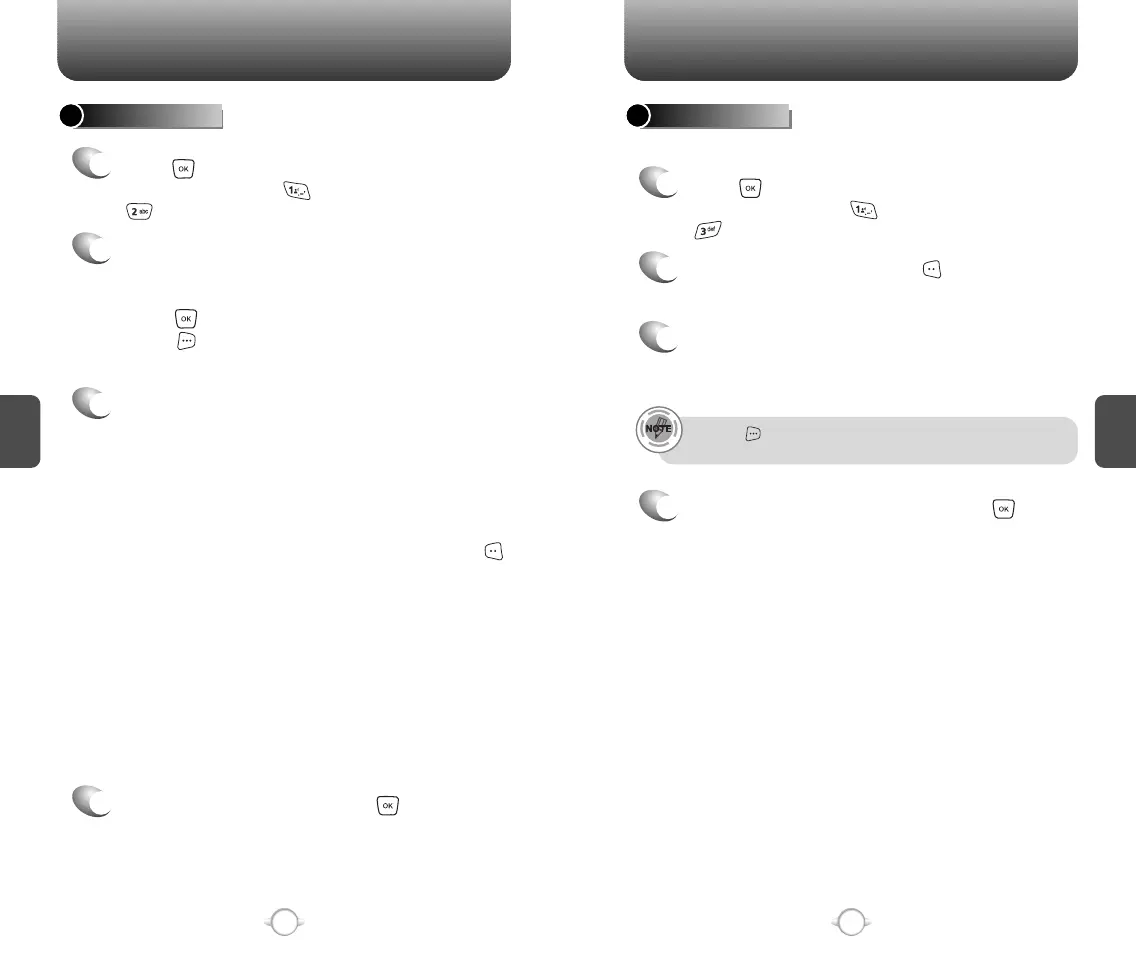
To display the time and date in pre-programmed cities:
WORLD CLOCK
2
4
Select a city by pressing the [CITIES].
Or use the Navigation Key to select another city.
3
The world map appears with the city, its date
and time.
Use the Navigation Key to select another city.
Pressing [DST], turns all cities supporting Daylight Savings
Time on or off.
To return to the previous page, press .
1
Press [MENU] and then select “Settings &
Tools” menu, press “Tools” and then select
“World Clock”.
ALARM CLOCK
Select one of the entries using the Navigation Key.
To set a new alarm, choose alarm 1, 2 or 3.
To edit an existing alarm, select that alarm.
Press .
Press [OPTIONS] to 1. On/Off, 2. Reset,
3. Reset All.
2
1
The setting field will be highlighted. Press the
Navigation Key down to select alarm options.
3
Use the Navigation Key to select a setting for the
alarm (Once, Daily, Mon - Fri, Weekends).
FREQUENCY
Press [MENU] and then select “Settings &
Tools” menu, press “Tools” and then select
“Alarm Clock”.
Use the Navigation Key to select alarm on/off.
ALARM
Use the keypad to set a time for the alarm and
to select “am” or “pm”.
TIME
Use the keypad to 1. Get New or select the alert
tone you wish to set.
RINGER
To save an alarm setting press [SAVE].
4



 To Next Page