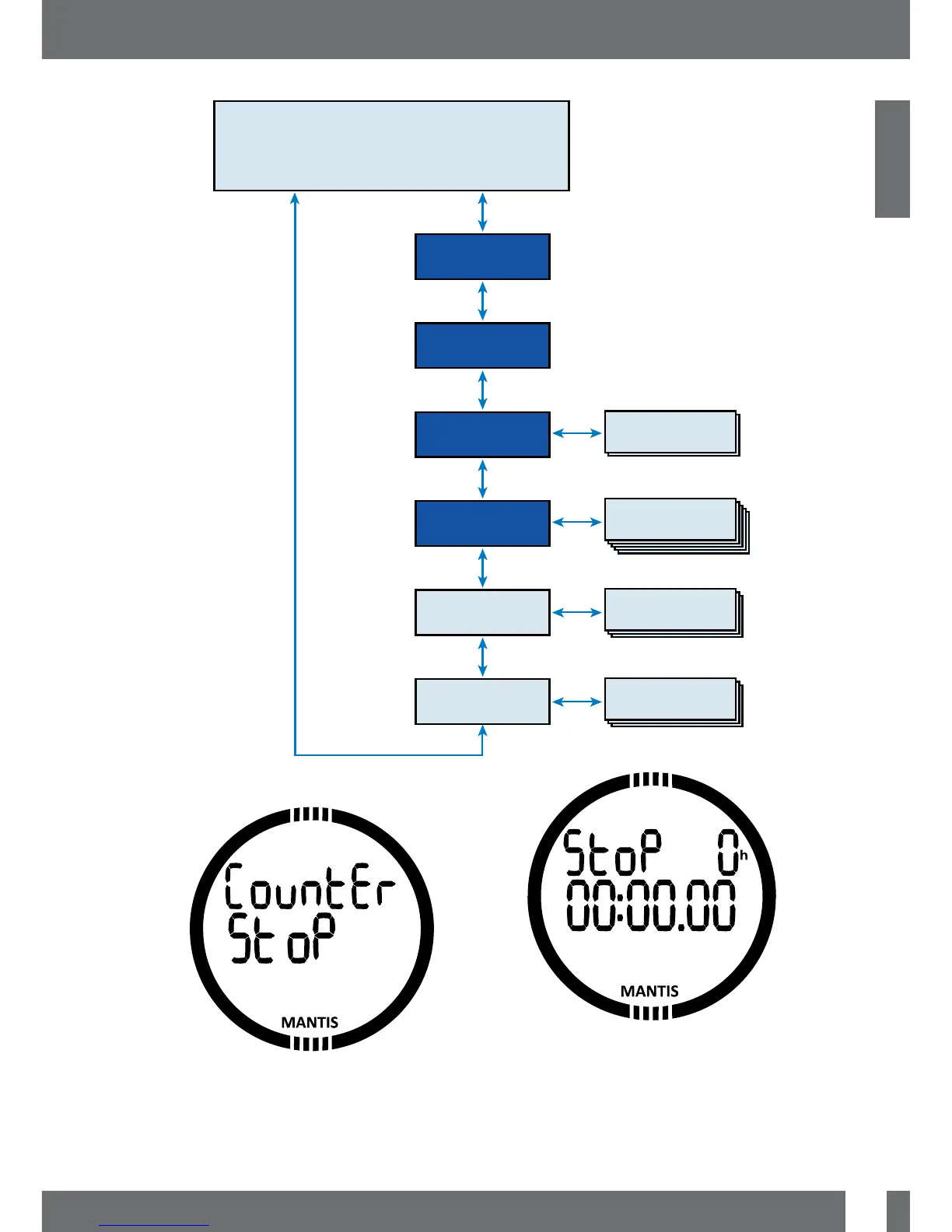
TIME & DATE
STOP watch function
Logbook
pages
Planner
pages
ALTI/BARO
meter
PLANner
LOG
DIVE mode
Watch Set
Dive settings
& menus
Clock settings
& menus
SEL
SEL
SEL
SEL
ESC
ESC
ESC
ESC
DOWN
DOWN
DOWN
DOWN
DOWN
DOWN
DOWN
UP
UP
UP
UP
UP
UP
UP
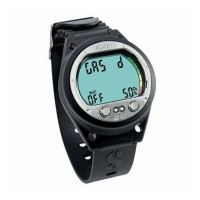
3.2.1 Using the stopwatch
By pressing SEL button the stopwatch
will be activated. In the first display the
stopwatch shows the status, which can be
stop, run or lap. By activating the stopwatch
first the time display will be as shown below.
Press +/UP button and the stopwatch
starts counting and shows actual state
which is: run. By pressing +/UP button
again the stop watch stops counting and
shows actual state: stop. The counted time
will stay on the display.


 To Next Page