6.1.6 Advanced Settings
6.1.6.1 Logs
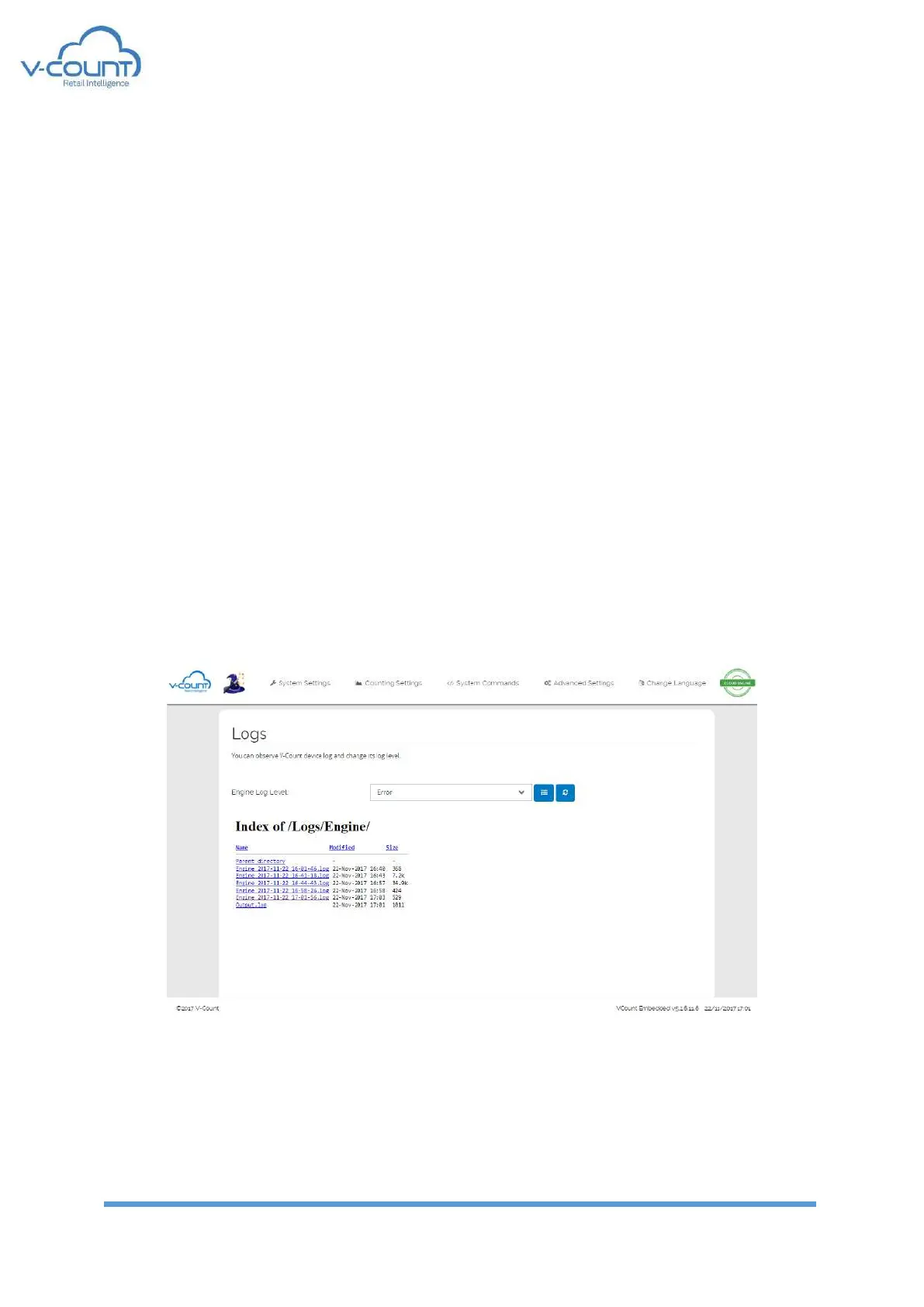
In this page, system logs are reported. All the logs are written in spoken language to enable
user to handle system errors or warnings easily.
There are 6 levels of logging and off option in the system:
• Logging off: All the log messages are disabled.
• Error: Only error conditions are logged
• Notice: Errors and critical notifications about the system
• Auto Working: Error logs and auto working hour detection conditions are logged
• Warning
• Info
• Debug
There are 2 types of log Files:
• Output.log: This file is limited to 5MB. The logs are belonging to Engine opening and
closing states when the engine does not run.
• Engine_DateTime.log: These logs are named with the creation date of the file. One file
size is limited to 5MB. Also at every midnight file is ended regardless of the size. And a
new file is started for the new day.
Figure 49 Logs
By default, Logs level is set to “Notice”. Other levels can be chosen according to debugging
purposes. After each restart or reboot, the log level is set back to “Notice”.



 To Next Page