Setting IP Address of Windows 10
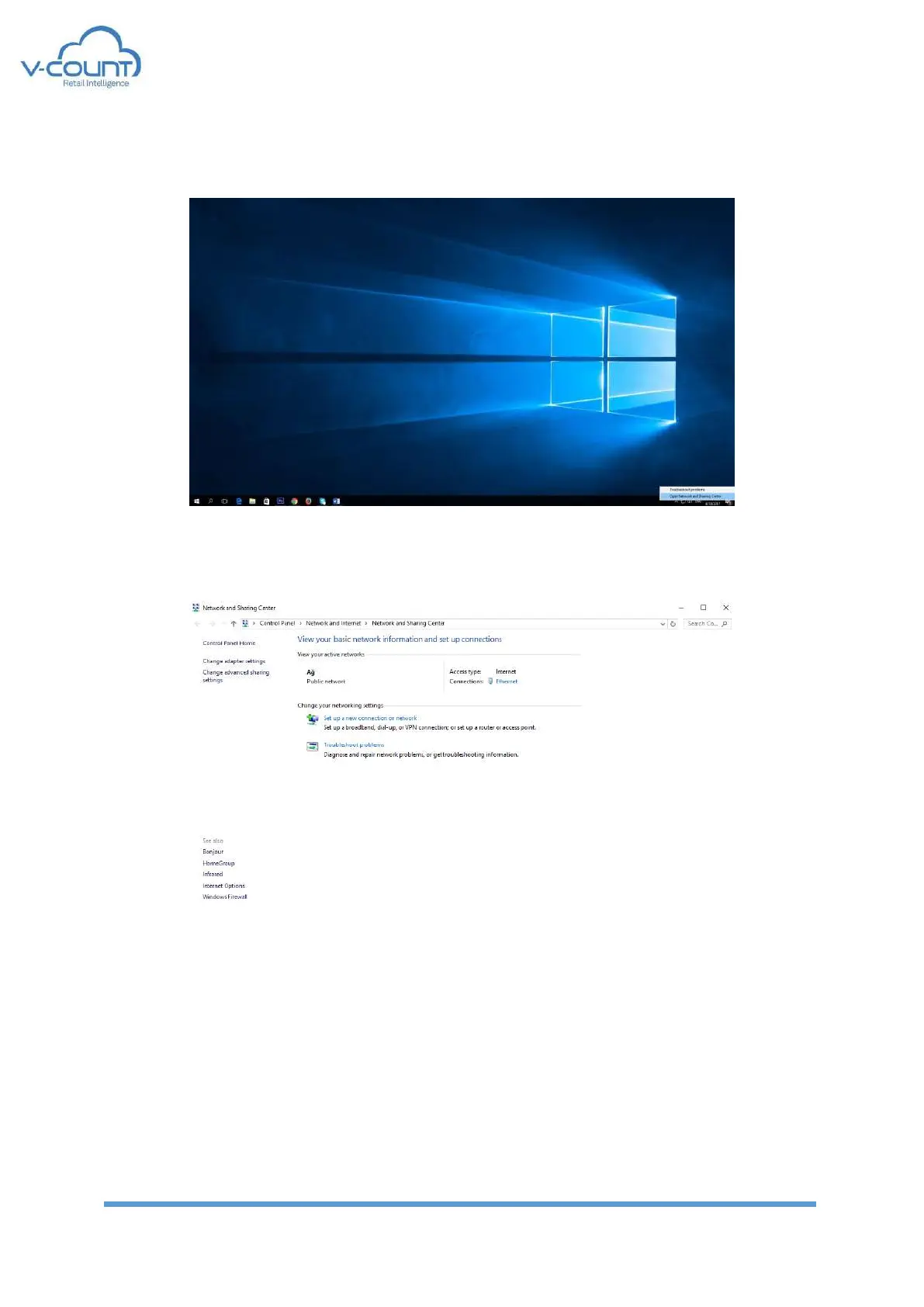
Open “Network and Sharing Center” by right clicking on the network icon on the bottom left
side of the screen.
Figure 71 Network and Sharing Center
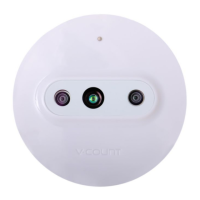
On the new window click the “Ethernet”
Figure 72 Active Networks
Select Properties ➔ TCP/IPv4➔Properties➔Enter new IP address configuration
IPv4:192.168.1.24
SubnetMask:255.255.255.0
Default Gateway: 192.168.1.10


 To Next Page