6.2.2 Setup Wizard
This is the main screen that forward us to 5 step procedures of making the calibration and
settings of the device.
6.2.2.1 Welcome to the Setup Wizard Screen – Step 1
In this page, Push Notification, Language and Wi-Fi/Bluetooth Analytics/Pathmap type should
be selected.
Language options are “Türkçe” and “English”.
The Push notification is selectable field that enable or disable these features:
Push Notification enables the device to transmit iBeacon signals for mobile apps for
advertisements. This feature can be enabled only if the following steps are fulfilled:
• Device must be connected to cloud.v-count.com over MQTT connection
• Device must be defined as push notification enabled device on reporting tool.
If the device is an element of a Wi-Fi/Bluetooth Analytics or Wi-Fi/Bluetooth Pathmap
system, then the questions must be answered accordingly. The answers determine the type
of engines that will run within the device.
Note: Push notification and Bluetooth systems do not run and cannot be selected/activated
on the same device.
In this manual BLE Analytics Master and Slave devices shall be examined.
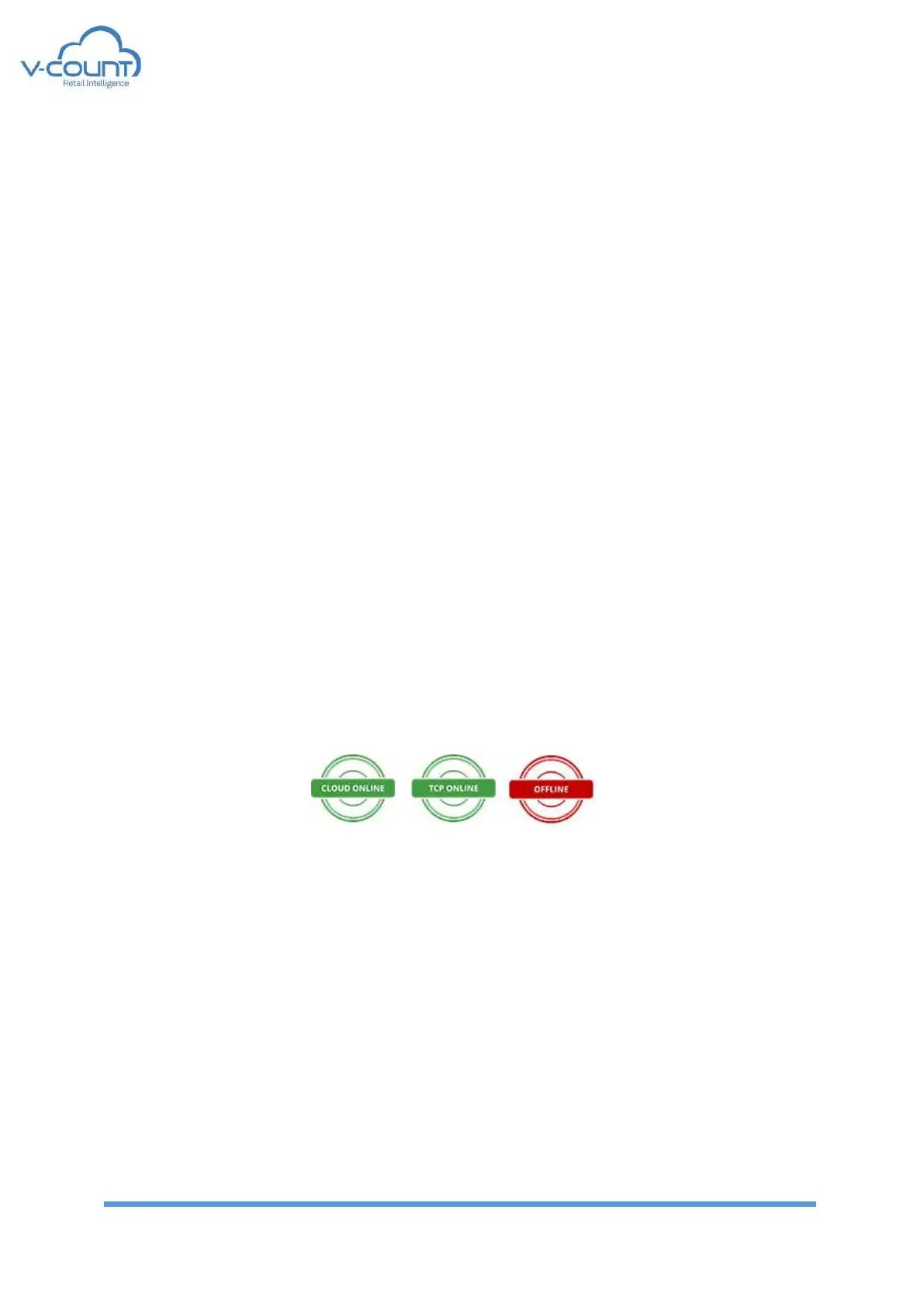
The network status indicator is located at the system tools bar which is the upper bar of the
page.
Figure 52 Connection Status Indicator
These indicators show the connection status to the Remote Server. Please refer to Remote
Server topic.
On the bottom bar; information shown are:
• Firmware version: first 2 digits of the version is firmware version
• Hardware version: last 3 digits of the version is the hardware version
• Date: Power on date the V-Count device.


 To Next Page