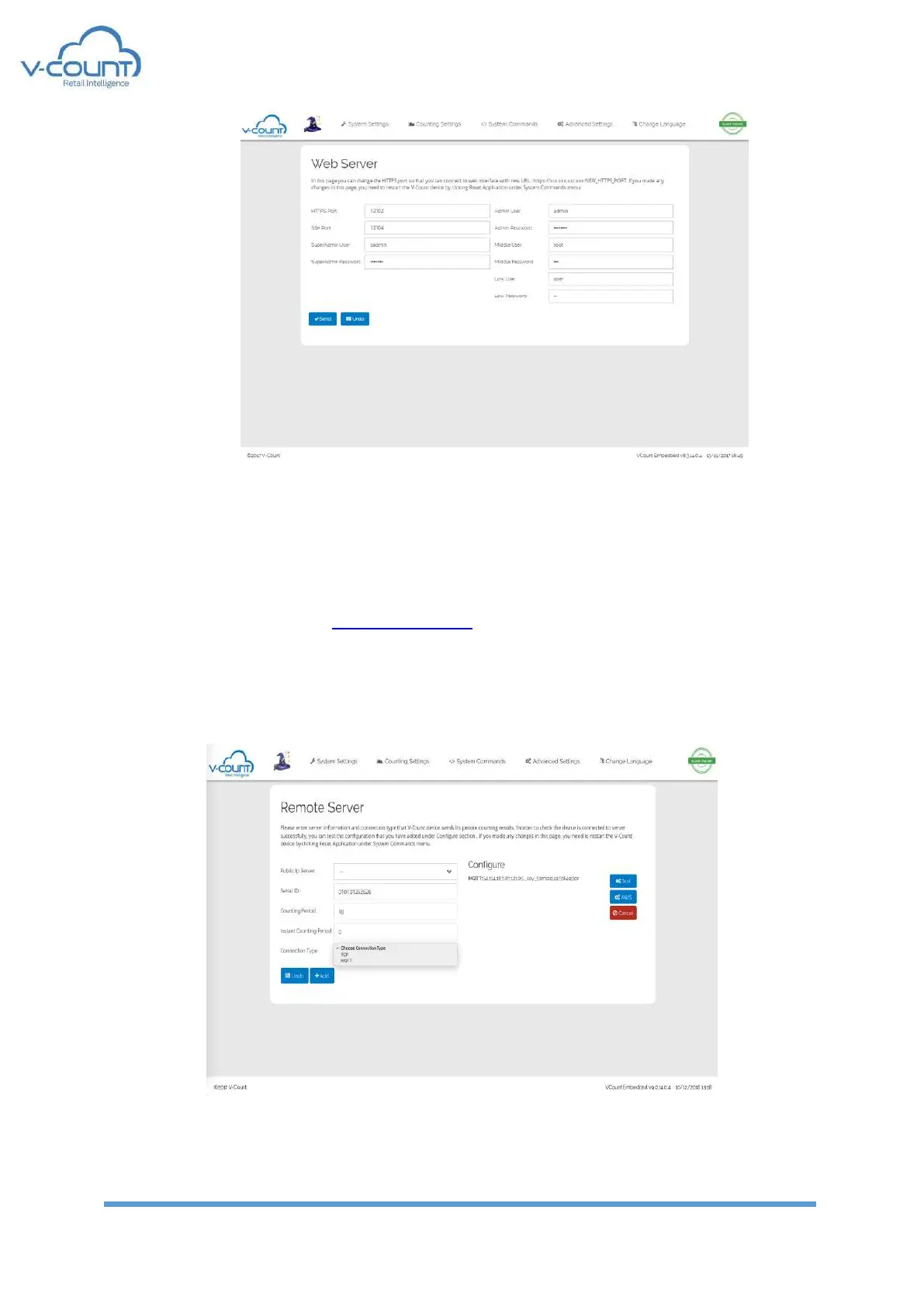
Figure 26 Web Server Settings
After changing settings from this menu, a restart is required.
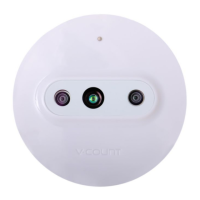
5.3.4 Remote Server
In this page, connection methods to a reporting server is displayed. By default, all V-Count
devices are set to connect to cloud.v-count.com address.
Also, the Serial IDs of the devices are set at factory installation and not allowed to be changed
afterwards.
Figure 27 Remote Server Settings


 To Next Page