OneLINK For RoboSHOT HDMI Cameras
OneLINK For RoboSHOT HDMI Cameras Page 12 of 20
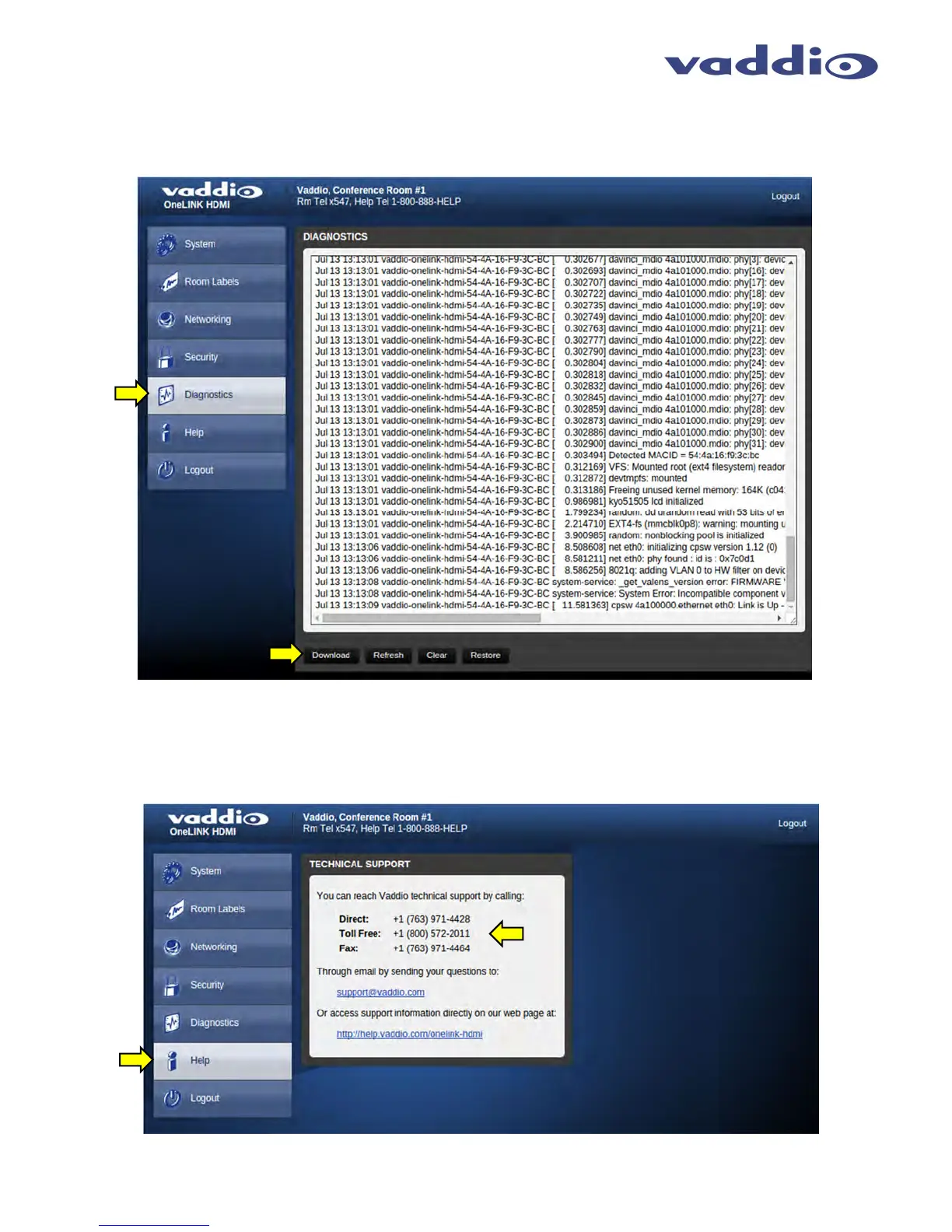
Screen Shot: Diagnostics
Diagnostics menu button will display a set of self-diagnostics. These diagnostics may help the Vaddio technical support team
diagnose a problem with the camera
. The controls include Download, Refresh, Clear and Restore.
Screen Shot - Admin Menu - Help
Service/Help information can be found under the Help menu. Support phone numbers and e-mail, manuals, FAQ’s
and System information is listed on support@vaddio.com.



 To Next Page