SECTION 4
PREVENTIVE MAINTENANCE
4.2 Removing the TC Head
46
1
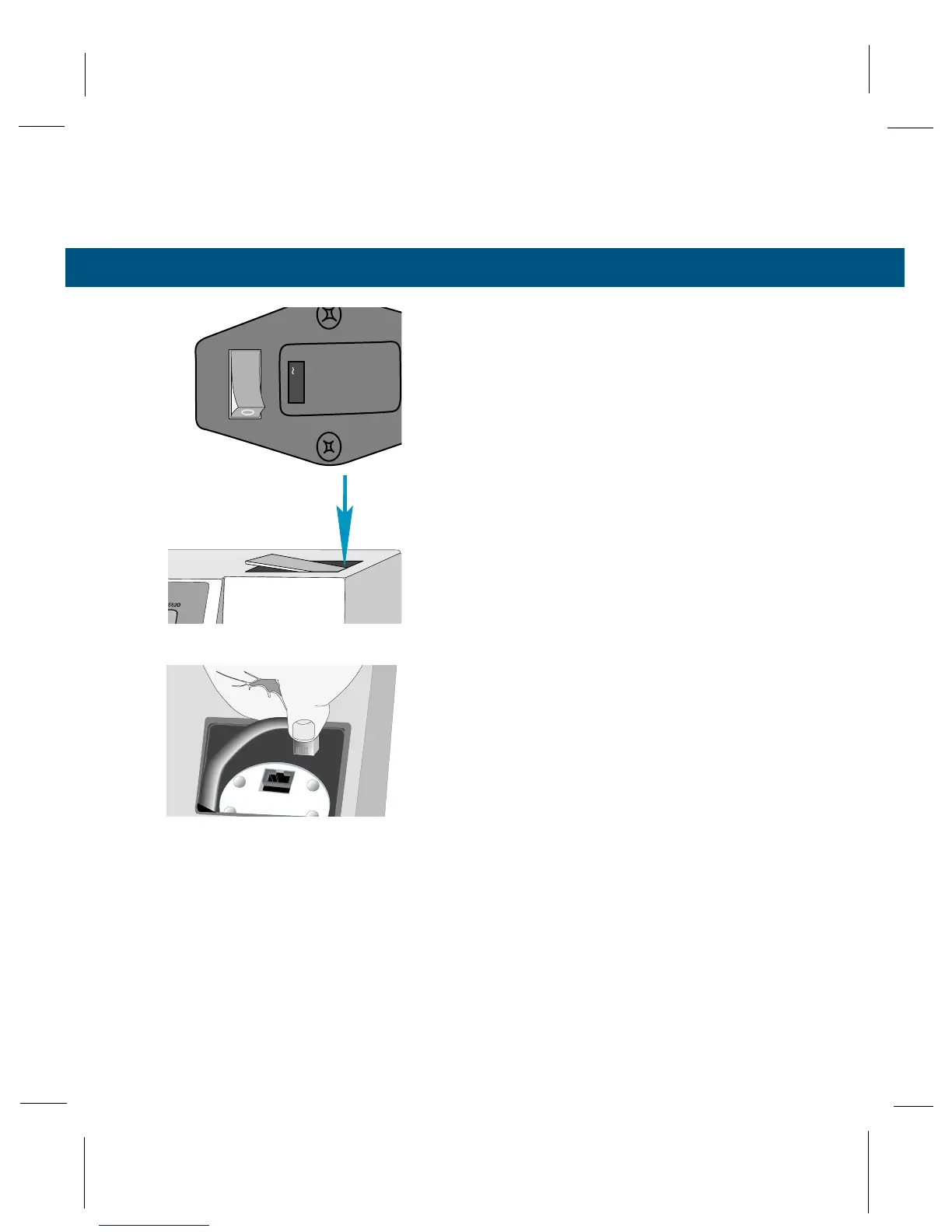
Turn the power switch off.
2
Rotate the sample chamber lever to the open
position.
3
Remove the TC head access cover from the
top of the osmometer by pressing down on the
right hand edge, then lifting the raised edge up
and away.
4
Remove the TC head connector by squeezing
the locking tab and lifting.



 To Next Page