SECTION 1
INTRODUCTION
1.5 Controls and Features
16
INSTRUMENT REAR PANEL (Continued)
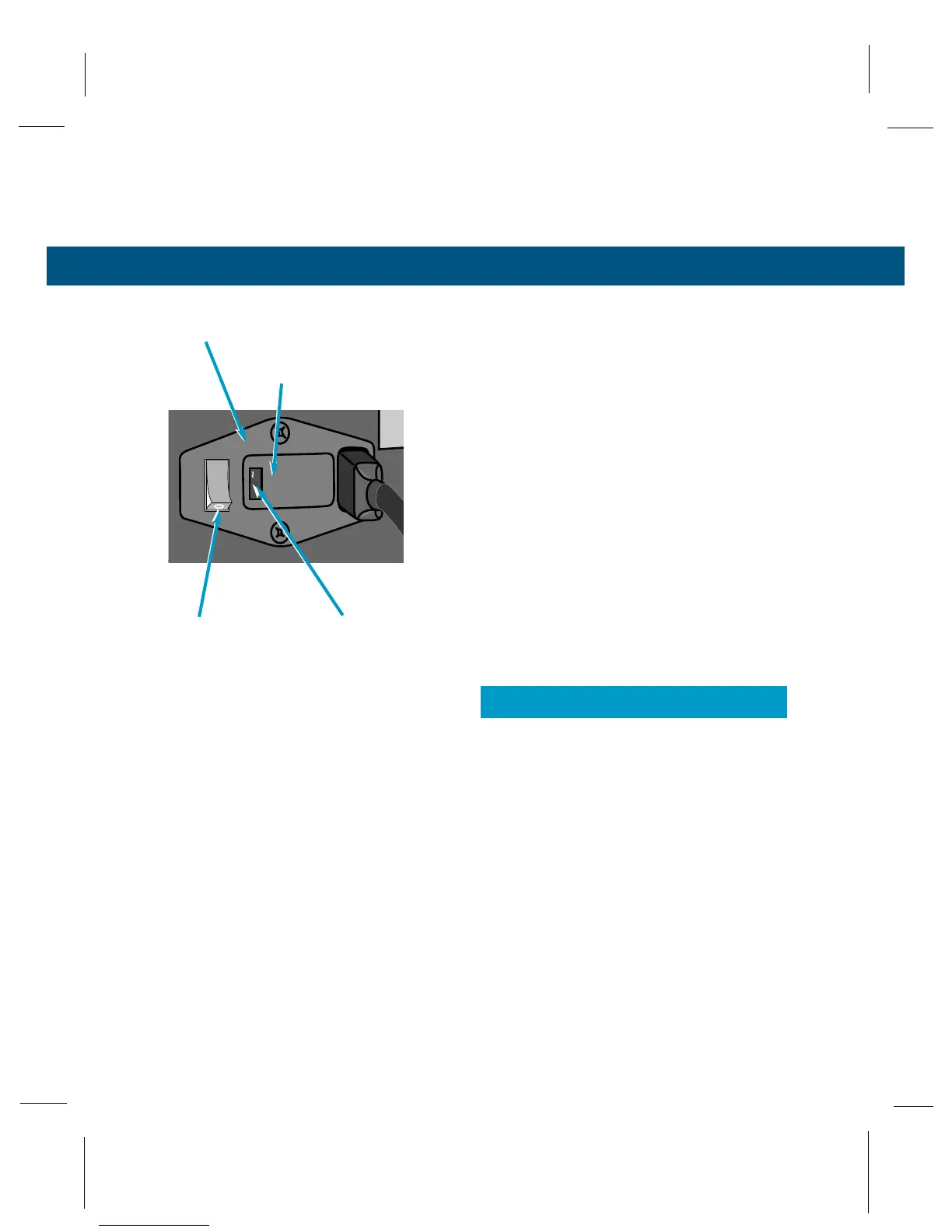
POWER ENTRY MODULE
Accepts standard IEC 320 type power cord.
Fuse Door
Provides access for fuse replacement. See Section
2.8 for instructions.
Power Switch
Switches power on (I) or off (0).
Voltage Selector
This selector is set at the factory. If necessary, you can
set the selector to match your local power source (see
Section 2.7). Fuses must match the voltage selection.
To change fuses, see Section 2.8 and Appendix A.



 To Next Page