SECTION 3
OPERATING THE VAPRO OSMOMETER
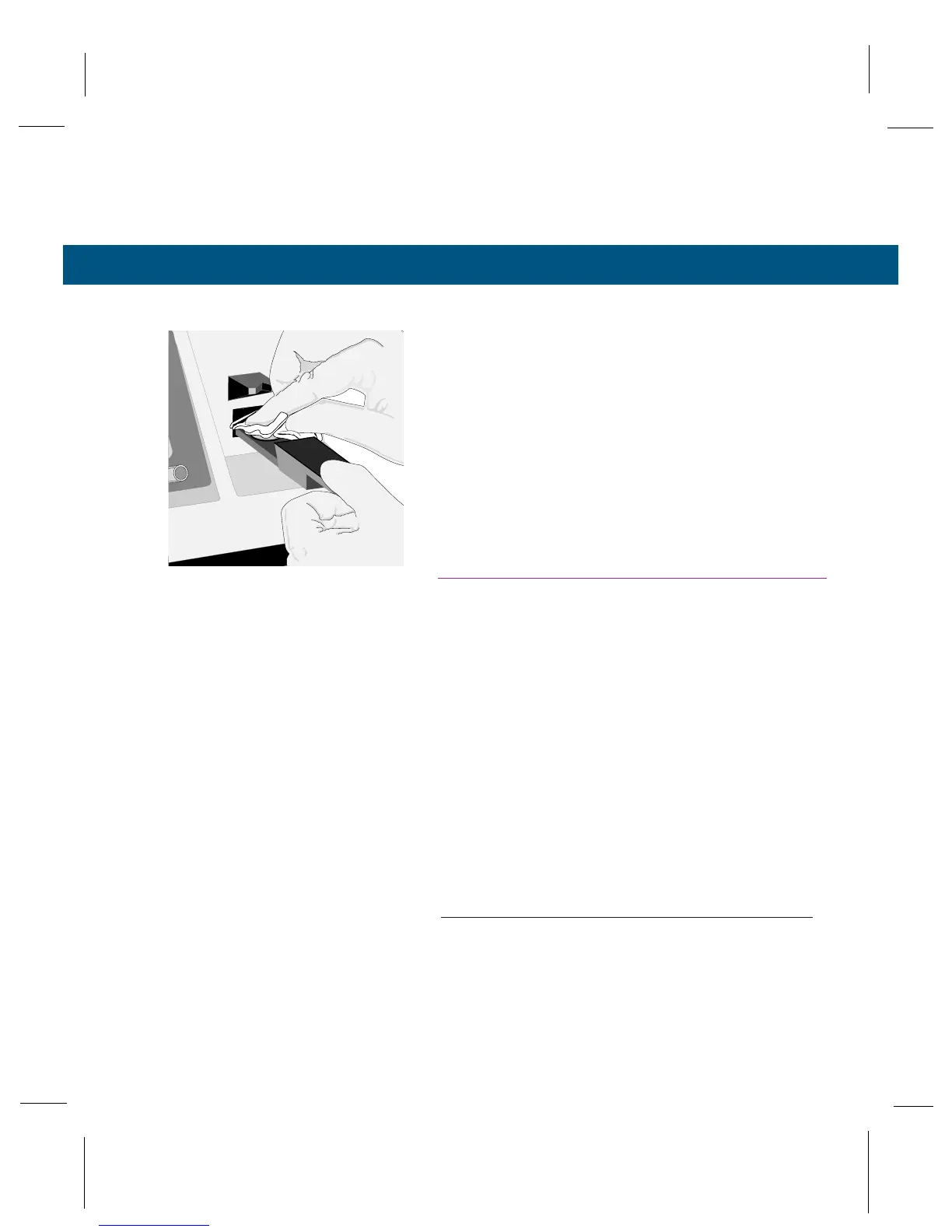
3.3 Cleaning the Sample Holder
39
To clean the sample holder and prepare for another
sample:
1
Smoothly rotate the chamber lever to the open
position, then withdraw the sample slide.
2
Using a lint-free tissue (not facial tissue) or a
cotton swab, carefully remove the wet disc and
any traces of residual liquid from the sample
holder.
3
Leave no visible residue on the holder surface.
If needed, use a tissue or swab moistened with
deionized water. Always clean the sample hold-
er with a fresh tissue or swab to avoid contami-
nation. Avoid touching the sample holder with
bare fingers.
The sample holder should appear bright, shiny, and
perfectly dry before loading the next specimen.
NOTE:
Regularly perform the Clean Test using the instruc-
tions in Section 3.4.



 To Next Page