SECTION 3
OPERATING THE VAPRO OSMOMETER
3.2 Loading Samples
38
The display shows this final reading until the cham-
ber is opened and closed once again.
NOTE:
Vapro reports osmolality measurements in Standard
International (SI) units: mmol/kg.
9
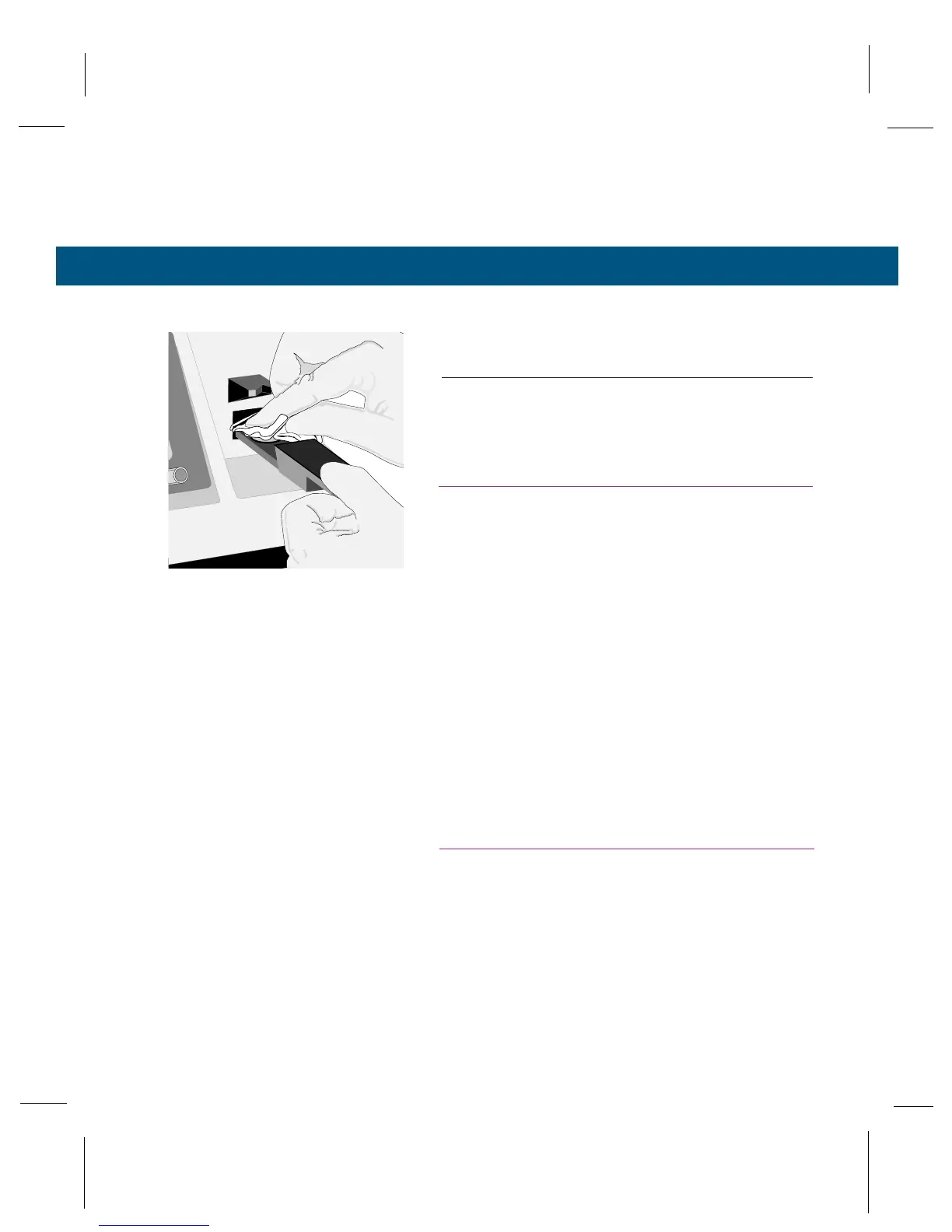
Remove the specimen from the sample chamber
immediately after a measurement using the
instructions in Section 3.3. If the sample is left in
the chamber for longer than 4 minutes, a warn-
ing chime will sound.
CAUTION!
During long, uninterrupted measurement periods,
occasionally allow the instrument to return to the
“standby” mode by initiating an operating cycle on an
empty chamber. This is necessary for the instrument
to readjust itself to any temperature change that may
have occurred during the interval. Failure to do this
can cause unwanted calibration shifts. See Section 3.6.
CAUTION!
You can severely contaminate the chamber (or the
thermocouple) in a single loading if you improperly
load the sample or if you fail to thoroughly clean the
sample holder. Severe contamination can make it
impossible to calibrate the osmometer.



 To Next Page