SECTION 3
OPERATING THE VAPRO OSMOMETER
3.2 Loading Samples
37
7
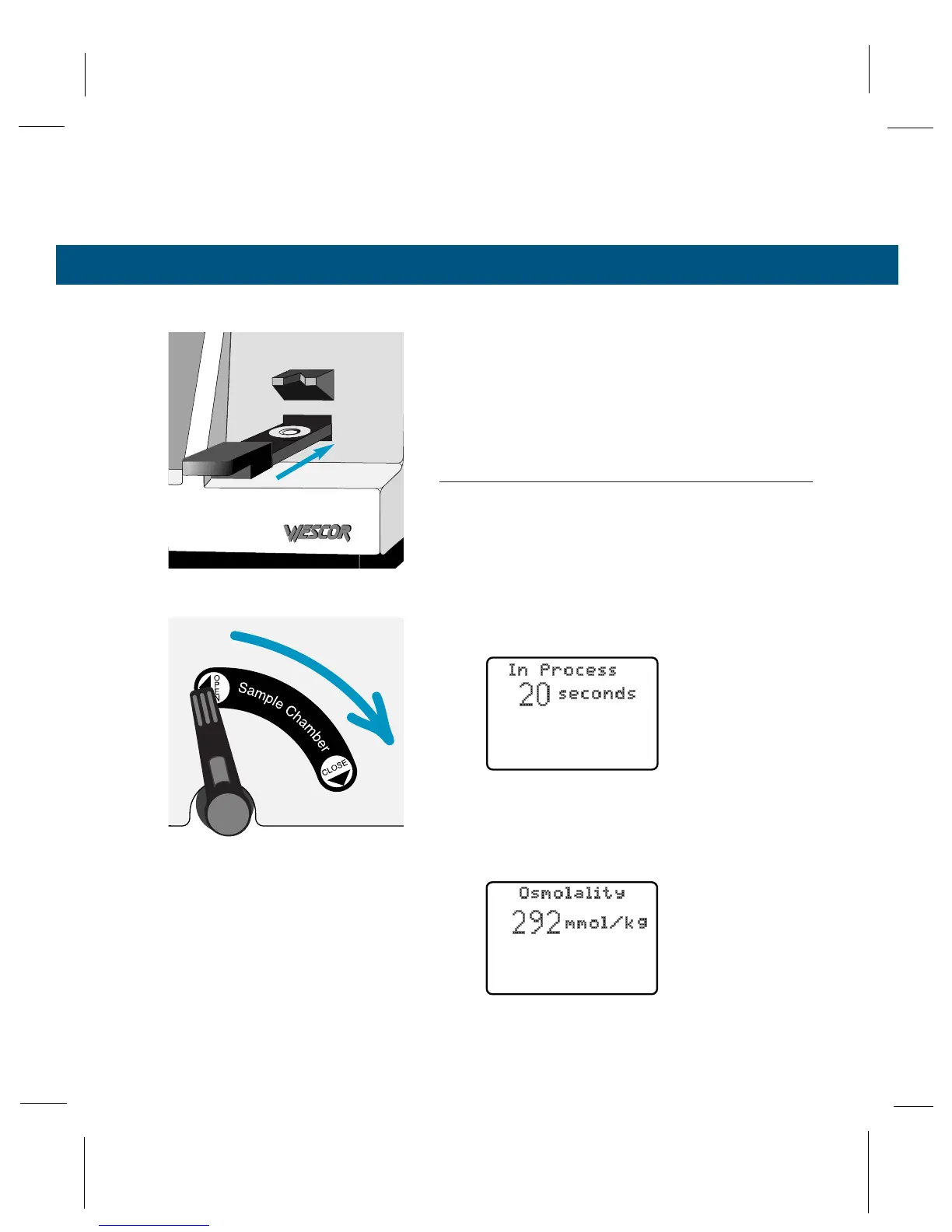
Gently push the sample slide into the instru-
ment until it stops. (Never close the chamber
unless the sample holder is in this position.)
8
Grasping the sample chamber lever between
thumb and forefinger, rotate it smoothly to the
closed position.
NOTE:
Since the sample may concentrate slightly before the
chamber is sealed, steps 5 through 8 should be performed
with consistent timing. A warning chime sounds If the
chamber is left open longer than 2 minutes.
Closing the lever starts the measurement cycle. The
display screen shows “In Process” and counts down
the remaining time:
When the measurement is completed, the chime
sounds. The display screen shows the osmolality of
the specimen:



 To Next Page