OPERATION : UPDATING SOFTWARE
3
02.9673.0001 A 22-May-01 45
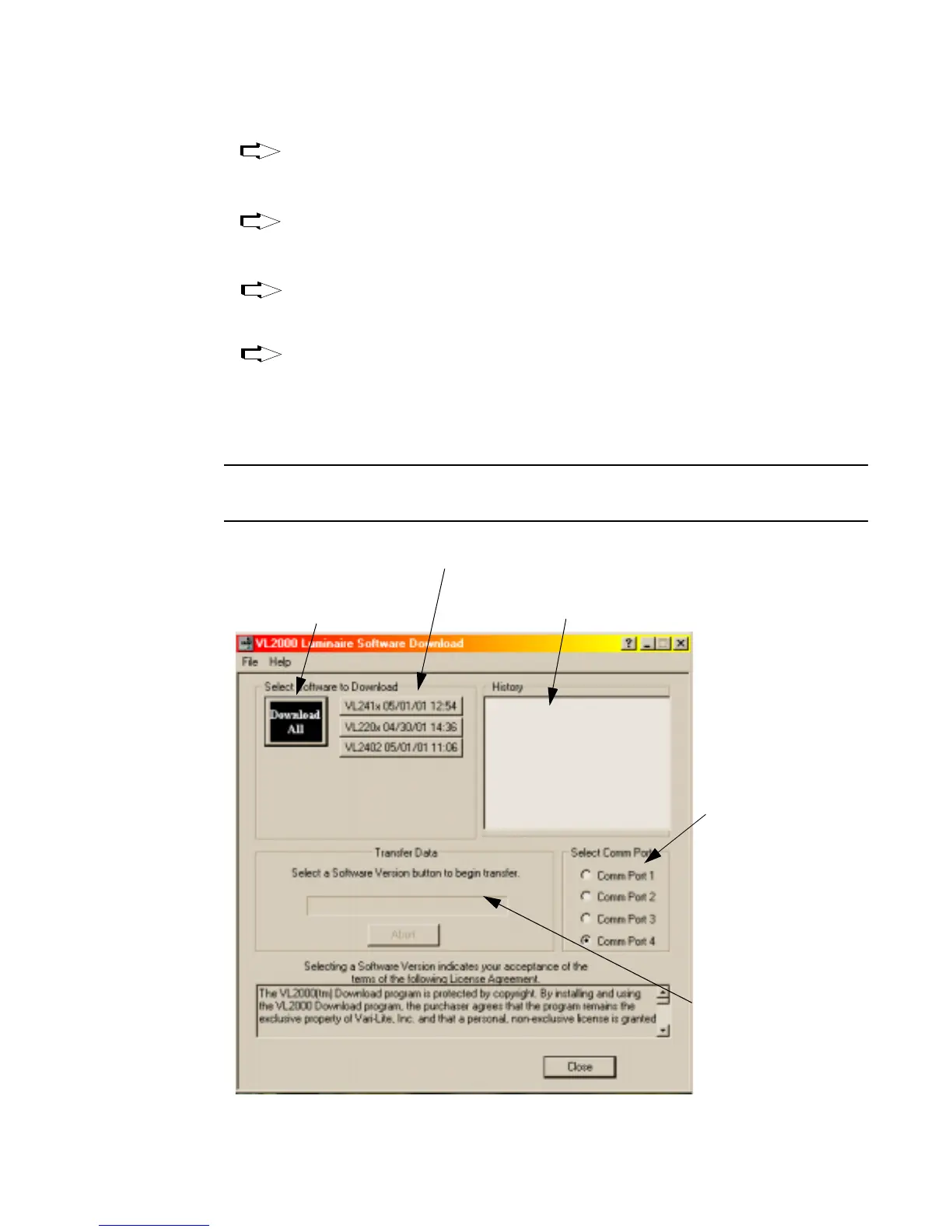
VL220x 04/30/01 12:54 button downloads the specific software version to
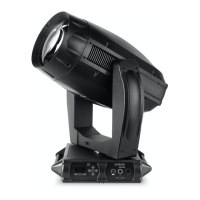
VL2200 series luminaires. (Software version is identified by the date and
time: MM/DD/YY HH.MM.)
VL2402 05/01/01 14:36 button downloads the specific software version to
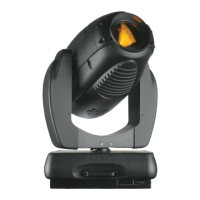
VL2402 luminaires. (Software version is identified by the date and time:
MM/DD/YY HH.MM.)
VL241x 05/01/01 11:06 button downloads the specific software version to
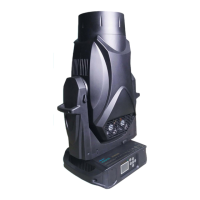
VL2400 series luminaires. (Software version is identified by the date and
time: MM/DD/YY HH.MM.)
Download All button is the equivalent of executing all of the specific
software version buttons described above. They will be executed one at a
time in the order they appear in the window. This button can be used when
any combination of VL2200, VL2400, and VL2402 luminaires are connected
to the PC.
Note: Version dates shown in this graphic are for illustration purposes only and may
not correspond to the version you are downloading.
Choice 1
Choice 2
Choice 3
Choice 4
Lists the specific versions of
software that have been downloaded
Shows current
Click to download all
specific software versions
to connected luminaires.
Select PC serial
port where cable
is connected.
Click to download specific software version
to VL220x, VL2402, or VL241x series luminaires.
progress of download


 To Next Page