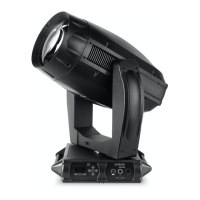
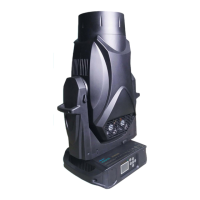
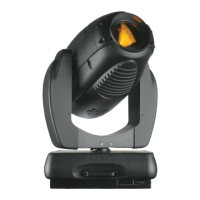
VARI❋LITE - VL2200 SERIES SPOT LUMINAIRE USER’S MANUAL
74 22-May-01 02.9673.0001 A
To run tests:
1. Press [Menu].
2. Press [Up] / [Down] arrows until TEST appears. Press [Enter].
3. Use [Up] / [Down] arrows to select a parameter to test. Refer to “Menu
System Functions” on page 60 for a complete list of test parameters which
can be chosen.
4. Press [Enter] to run test.
5. Press [Menu] to stop test at any time.


 To Next Page