1. System Overview
4 EzRay Air (Model: VEX-P300) User Manual
No. Item Description
8
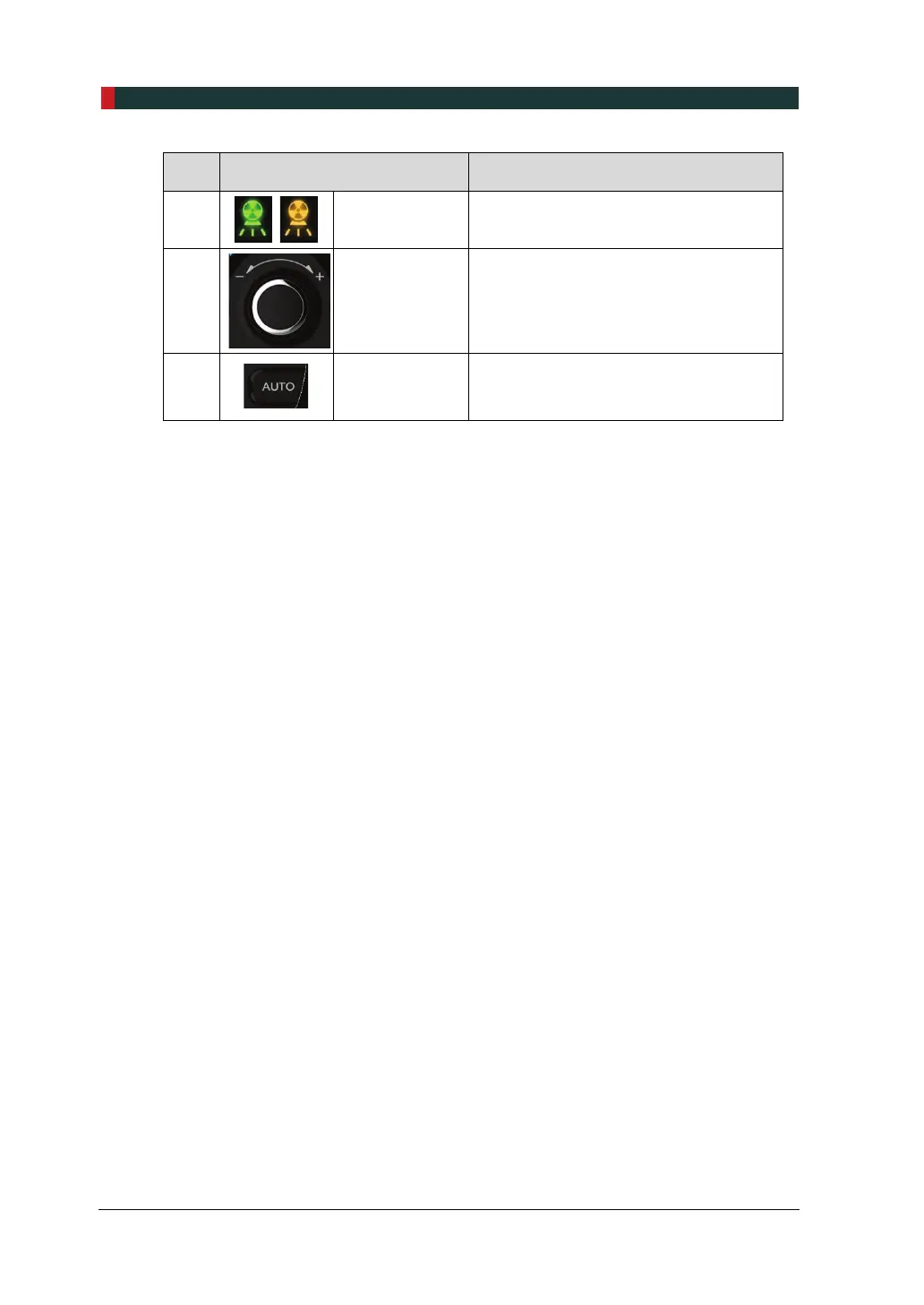
X-ray Exposure
Indicator
Indicates the X-ray exposure status.
(Green: Ready / Yellow: X-ray On)
9
Jog Dial
Turn the jog dial left (-) or right (+) to
select an X-ray exposure setting, press
the jog dial to confirm the operating
setting.
10
AUTO Button
Selects a tooth and exposure time
automatically based on the X-ray
exposure angle.













 To Next Page