3. Operation
36 EzRay Air (Model: VEX-P300) User Manual
Sleep Mode
To reduce battery consumption, the Sleep Mode is started when the system is not in
use for one minute.
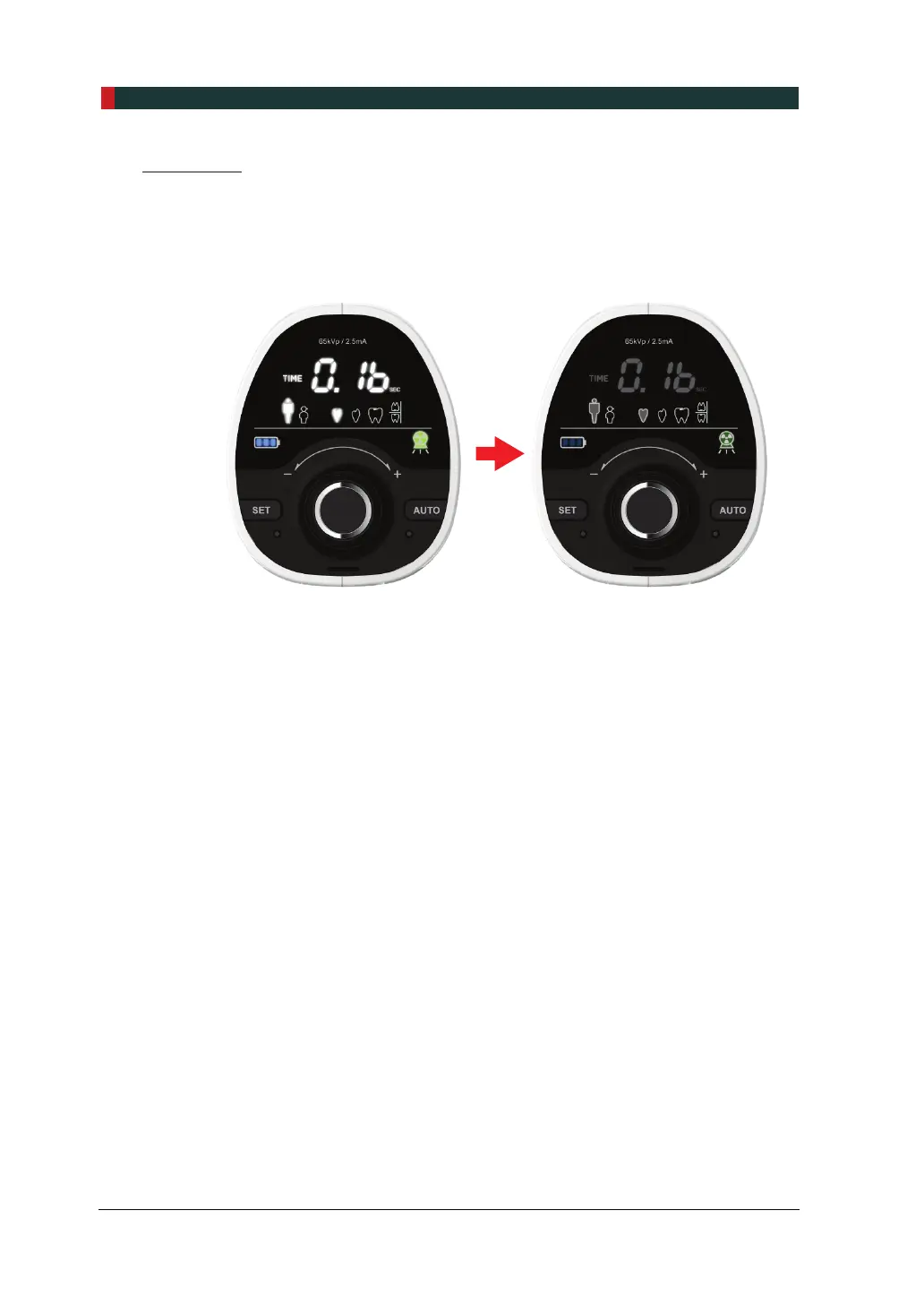
1. When the Sleep Mode is started, the Control Panel becomes dark as shown in
the following figure (right).
Brightness: Normal Brightness: Dark
2. To return to normal operation, move the system or press any button (except for
the X-ray Exposure Button).
3. If you do not use the system, turn it off to reduce battery consumption.













 To Next Page