3. Operation
EzRay Air (Model: VEX-P300) User Manual 37
ENGLISH
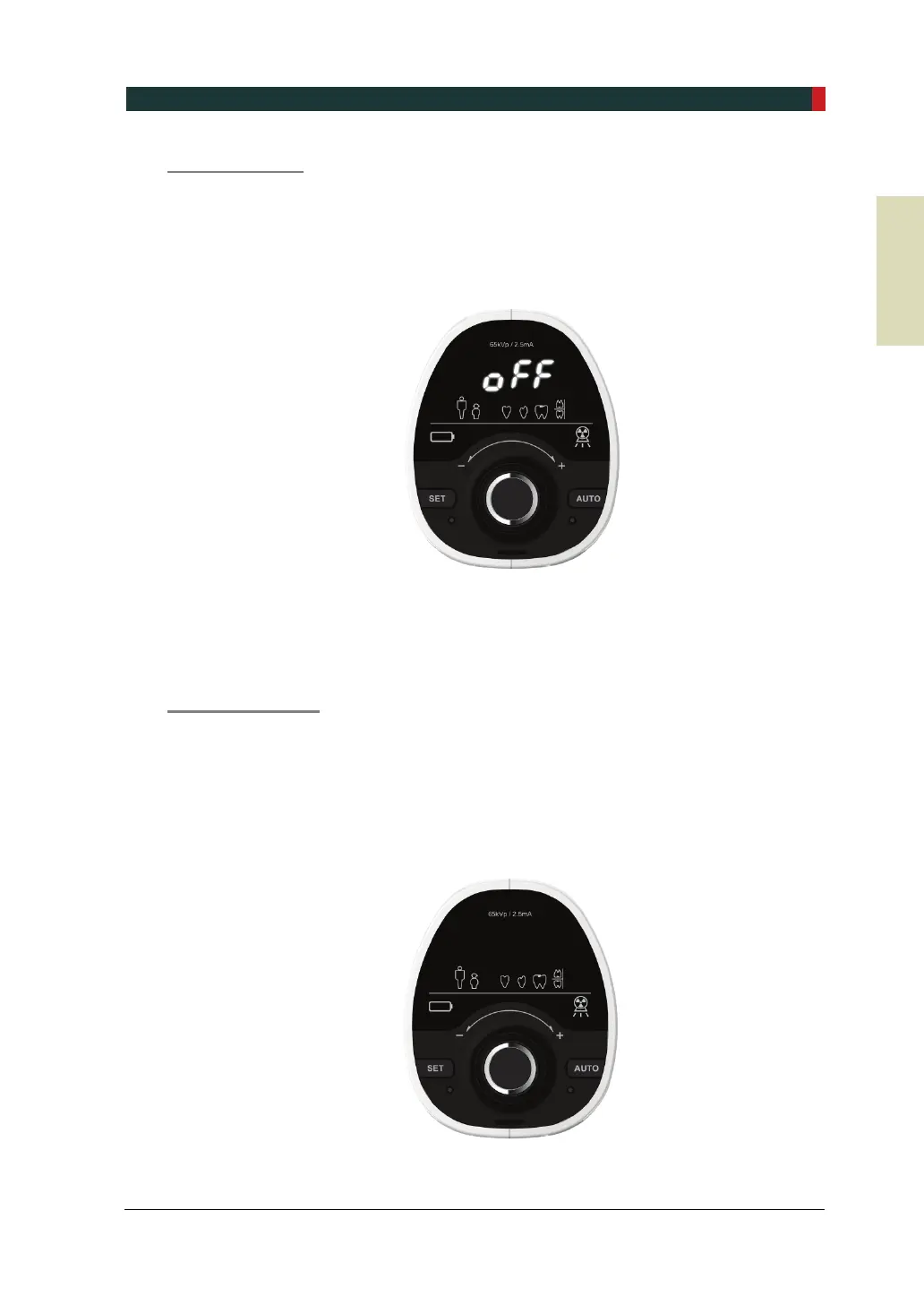
Power Off Mode
If the system (not in use) has been turned on for 30 minutes since the Sleep Mode was
started, the Power Off Mode is started.
1. ‘Off’ is flickering on the Control Panel. If you need to be notified by an alarm when
the Power Off Mode is started, change the setting.
2. To return to normal operation, move the system or press any button (except for
the X-ray Exposure Button).
3. If you do not use the system, turn it off to reduce battery consumption.
Power Save Mode
If the system (not in use) has been turned on for 4 hours since the Power Off Mode
was started, the Power Save Mode is started.
1. All displays are turned off on the Control Panel.
2. To return to normal operation in the Power Save Mode, you MUST turn off the
system and turn it back on.













 To Next Page