9. Installing Software
104 PaX-i Plus / Insight Installation Manual
3. If Windows Security pop-up window appears, click Install.
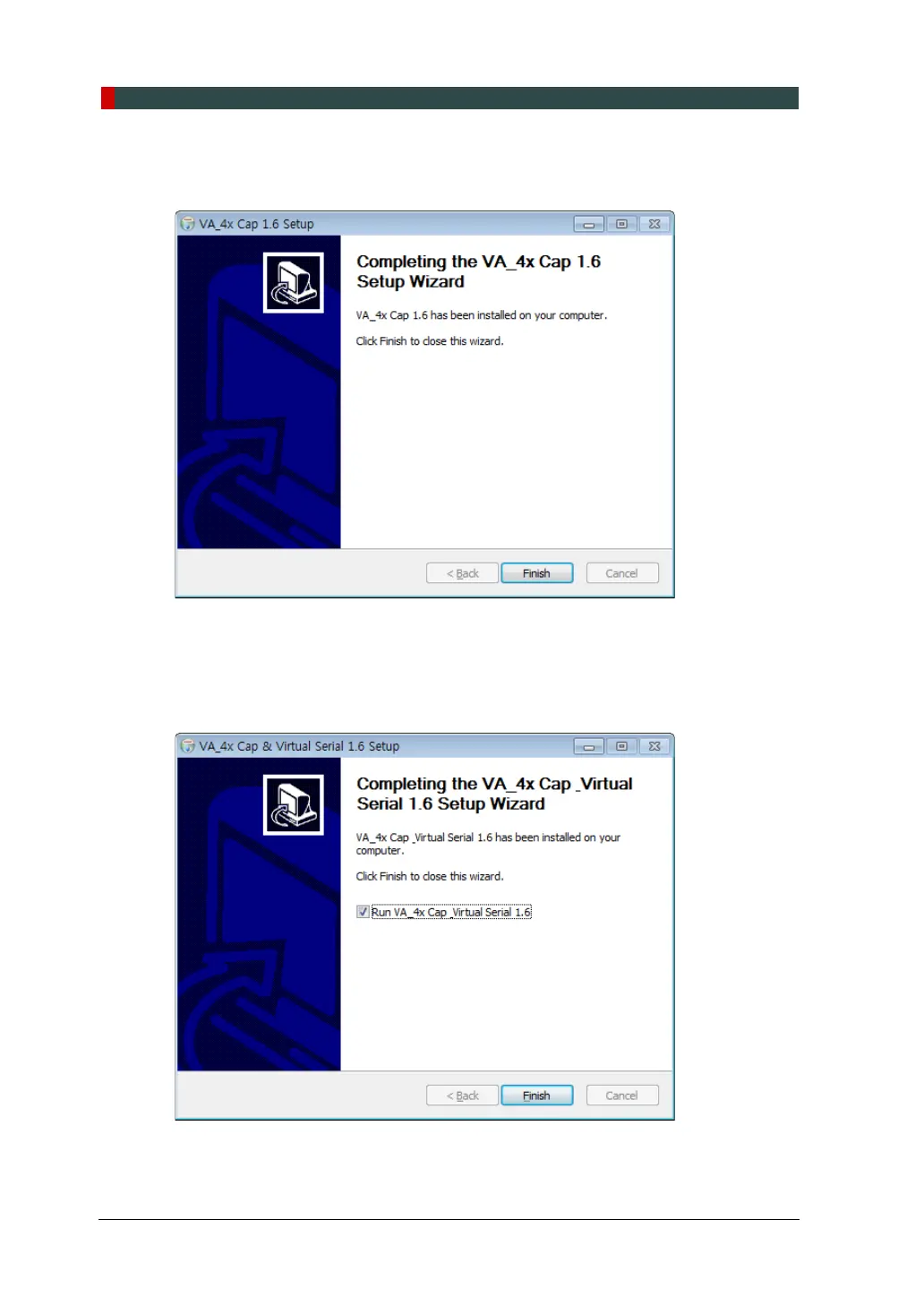
4. Click Finish to exit the wizard.
5. (Optional) When Microsoft Visual C++ 2010 x64 Redistributable installation window
appears, click Install to continue the process and click Finish when completed.
6. (Optional) When Microsoft .NET Framework 4.x.x installation window appears, click
Install to continue the process and click Finish when completed.
7. When the Vitual Serial 1.x installation is completed, click Finish to exit the wizard.












 To Next Page