4. Installing the Equipment: Base Stand (Optional)
46 PaX-i Plus / Insight Installation Manual
4.4 Installing the Wall and Column Brackets
Assembling the Column Bracket
1. Remove the plastic wrap covering the column unit by using a cutter.
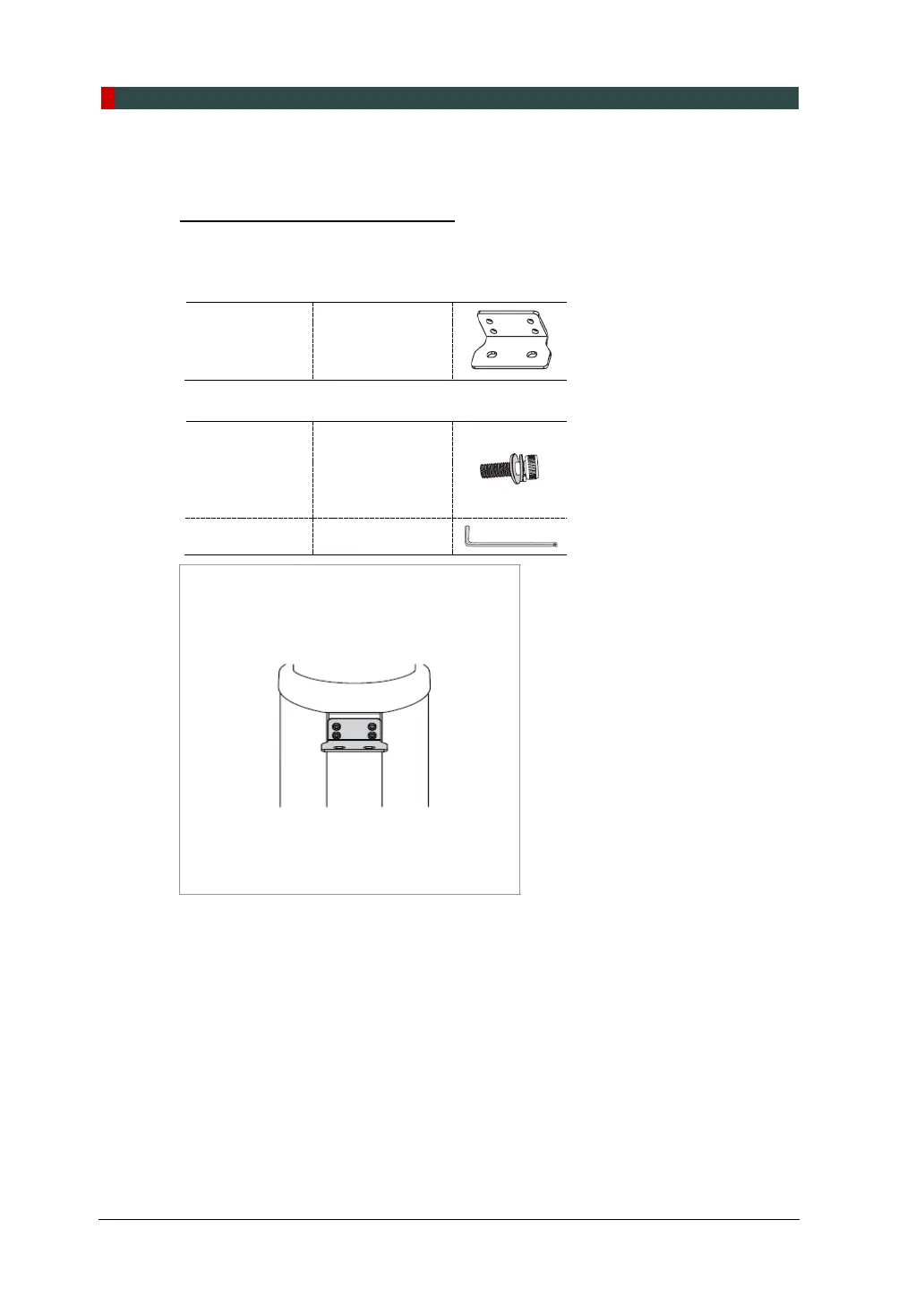
2. Prepare the column bracket.
Wall Bracket 2 (Part. No. 22)
3. Attach the above bracket to the back of the column with the four Wrench Bolts.
Wrench Bolt
M8 x 20
w/ spring and
flat washers
(Part No. 29)
Allen Wrench 6 mm / 0.24”












 To Next Page