6. Completing Miscellaneous Works
78 PaX-i Plus / Insight Installation Manual
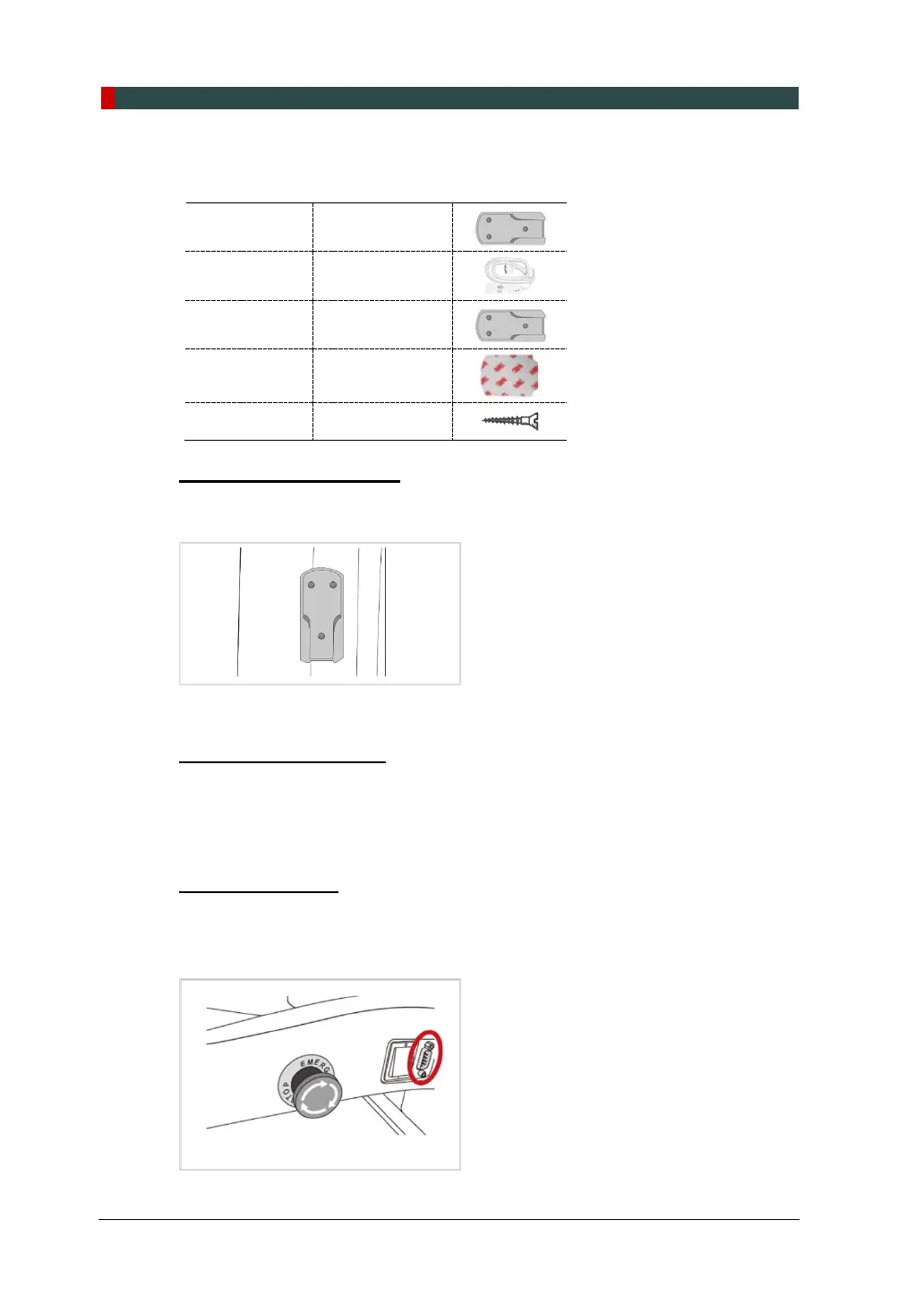
6.3 Installing the Switch Holders
UP / DOWN
Switch Holder
(Part No. 2)
UP / DOWN
Switch
Optional
(Part No. 2)
Exposure
Switch Holder
(Part No. 2)
Double Sided
Sticker
(Part No. 2)
Screws
UP / DOWN Switch Holder
1. Peel out the papers of the double-sided sticker.
2. Attach the switch support to a suitable height on the left of the column.
Exposure Switch Holder
1. Locate the Exposure Switch Holder with a sticker and three screws.
2. Install the Exposure Switch Holder on the wall at the appropriate height using three
screws.
UP / DOWN Switch
When installation of the Up/Down switch is completed, connect it to the following
location.












 To Next Page