180 Infotainment system
or open call / contacts list
If phone call active: open
call in progress menu
7 Y
Short press: activate
speech recognition
Top bar
The top bar on the screen indicates
the following information:
● time
● temperature
Screen operations
The display of the Infotainment
system has a touch-sensitive surface
that allows direct interaction with the
displayed menu controls.
Caution
Do not use pointed or hard items
like ballpoint pens, pencils or
similar for touch screen operation.
Use the following finger gestures to
control the Infotainment system.
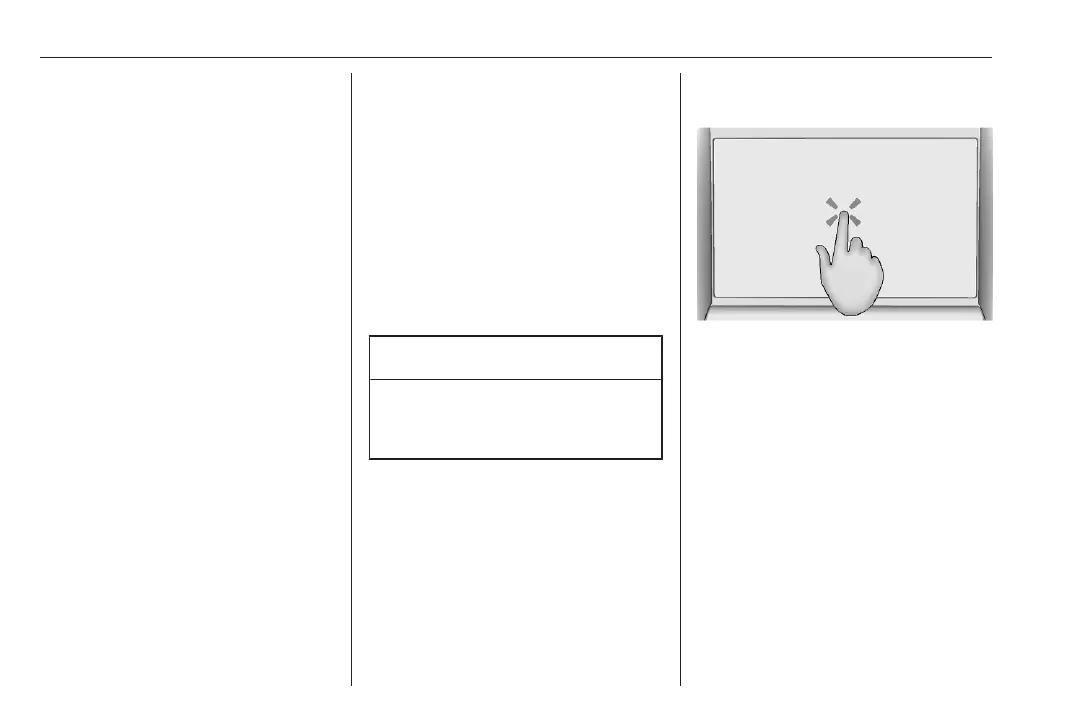
Touch
Touch is used to open a menu or
select an option.













 To Next Page