18 © Continental Automotive Issue 02/2017
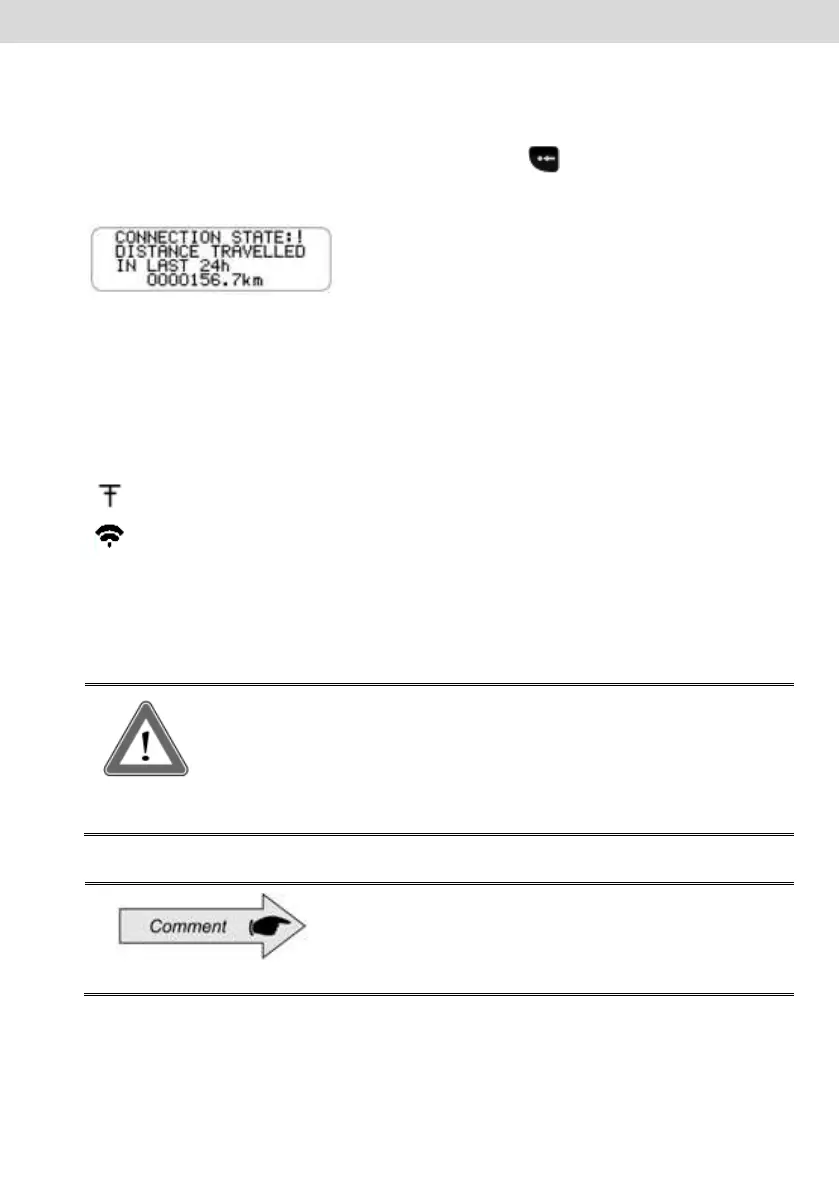
Traveled distance – 24 hours
Function which shows the distance traveled in the last 24 hours of vehicle
operation. To view this screen, simply press the button from the main
screen.
If the button is pressed again, the digital tachograph returns to its main screen.
The connection status with pictogram, located on the first line of the screen
details the BVDR connection status with the fleet management solution, which
can be 4 ways:
Attention
The connection status will be displayed only in case of
acquisition of telematic equipment and Continental's fleet
management solution.
Generic telematic devices are telematic equipment
not supplied by Continental, but compatible with
BVDR communication protocol
= Connection between BVDR + VDO telematics device
= Connection between BVDR + telematics device + VDO On Board
= No connection available
= Connection between BVDR + Generic telematics device



 To Next Page