24 © Continental Automotive Issue 02/2017
If no driver is identified, the driver code, on the main
screen, will be like "?????" and in an inspection, the
driver may be penalized with a fine.
2.4.4 Driver logout
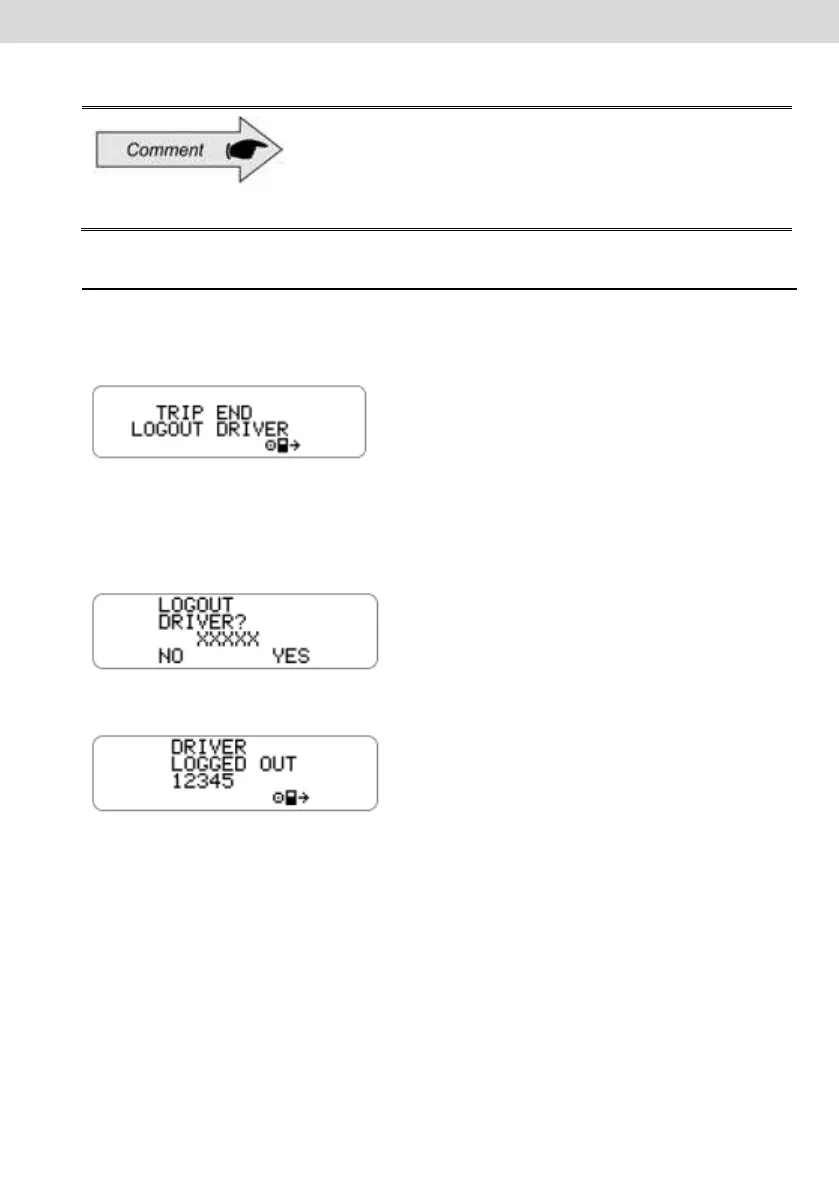
a) This function performs the disconnection (logout) of the driver when selecting
the following screen:
b) Another way to disconnect the driver is if the default screen is displayed and
the operator presses the "OK" button for more than 2 seconds, then a driver
logout confirmation message will be displayed.
c) The operator will confirm the logout by pressing the OK button again.



 To Next Page