Issue 02/2017 © Continental Automotive 35
d) After pressing OK a confirmation screen will appear and after 5 seconds, the
BVDR will return to the main screen.
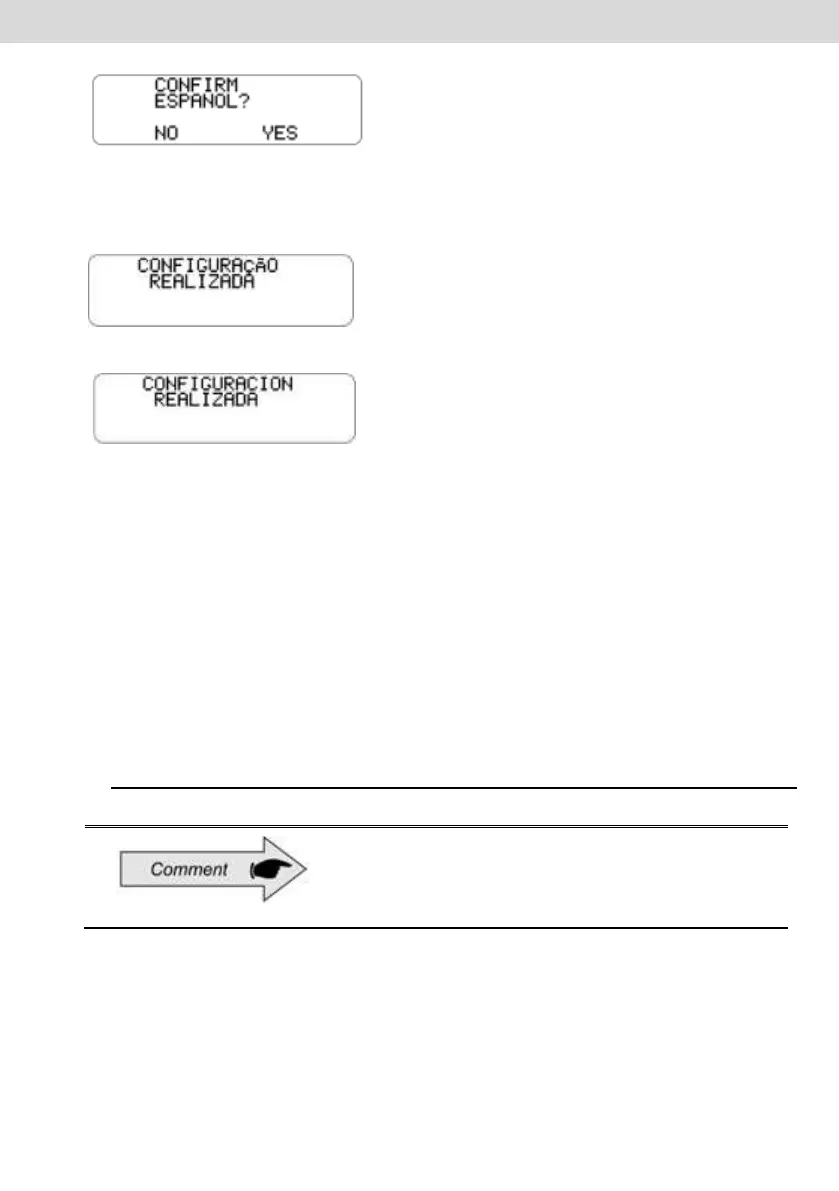
Confirmation screen shown for Portuguese language setting:
Confirmation screen shown for Spanish language setting:
Diagram Tape
The digital BVDR tachograph must provide for surveillance purposes the
information of the last 24 hours, in the case of standard application and the last
5 minutes in the case of Chile implementation of vehicle operation. The operator
can also print as needed.
Printing is possible only when:
The vehicle is stopped;
The ignition is on (vehicle does not necessarily have to be with the
engine running);
The drawer is closed with the VDO paper roll inserted.
2.4.13 Inserting a new paper roll
Only VDO rolls, may be used in the digital BVDR
tachograph. Other rolls will not be recognized by
the product.
To insert a new VDO paper roll, first remove its protective plastic film and the
adhesive label protection.
Pressing the button to open the drawer, it will automatically eject it.



 To Next Page