28 © Continental Automotive Issue 02/2017
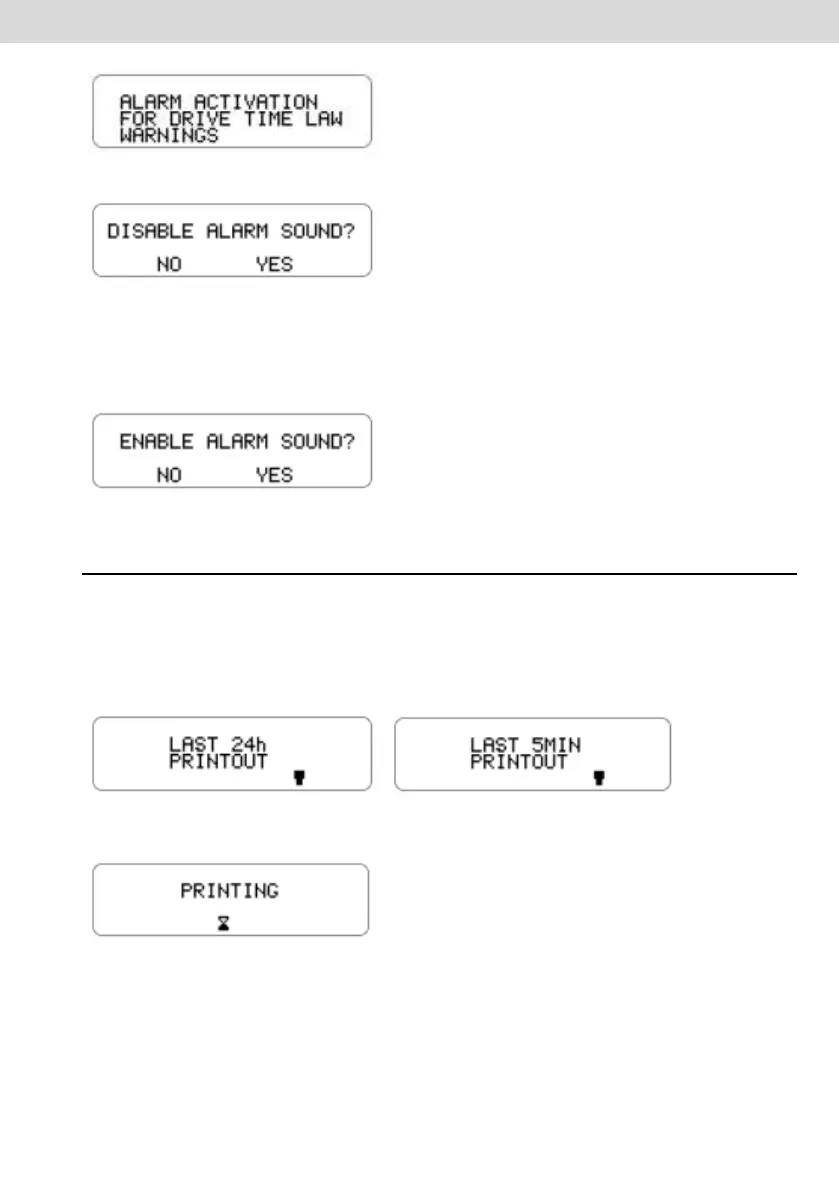
b) Press the OK button to confirm and the following message appears:
c) Press the OK button to confirm the deactivation or, in case of cancellation,
press the "back" button;
d) To activate the audible alarm, repeat the above procedure, and confirm with
the OK button after you see the following screen:
2.4.7 Print function
This function can be applied in two ways, depending on vehicle operating site.
a) This function is used for printing the data, which is defined by local
legislation. Action must be done by pressing "OK" key when selecting the
function in the main menu.
Standard application Chile Application
b) During printing, the following screen is shown.
c) When printing is finished, BVDR returns to the print menu on the main
screen. While holding down the back button for 2 seconds, the BVDR reverts to
the main screen.



 To Next Page