DLKPro Inspection Key • Operating Instructions – Edition 03/2012 11
4 Performing a (roadside) inspection
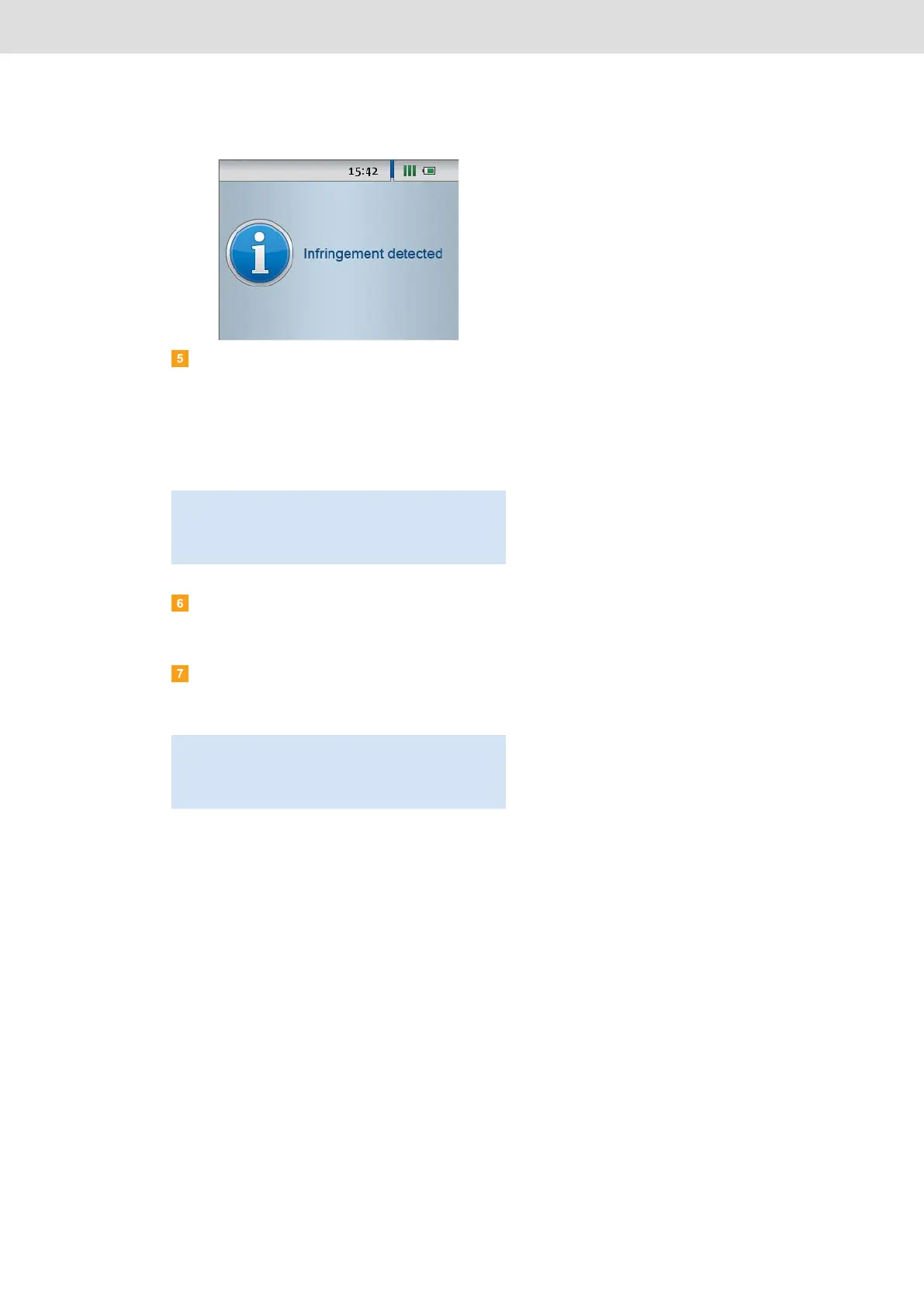
Any suspicious events detected during the quick
check, e. g. exceeding of the programmed
maximum speed, are indicated by
• intermittent beeps and
• a red LED.
You can now download the mass memory based on
your configuration; see page 33.
Create a digital tachograph printout of the Events
and Faults, Technical Data and (if possible) the
Speed data blocks.
Check the downloaded driver card and mass
memory data using the “DownloadTools”
PC programme; see page 28.
Note: If, after the quick check, the DLKPro remains
plugged in for more than 10 seconds, the mass
memory download will start automatically – based on
the specified configuration.
Note: Always check infringements found with the
printouts from the digital tachograph. If you are a
TIS-Web
®
or TIS-Office
®
user, you can use these
programmes to carry out further data evaluations.


 To Next Page